Paint visualizer
Paint visualizer: see your room in new colors
Upload a photo and see the same room, or the front of your house, recolored to a palette you choose, in under a minute.
For homeowners choosing colors, and for designers and painters showing a client a direction.
Free account · No card needed · Web and iPhone
Drop a photo of your room, or choose one
A room or a house front, in daylight. A phone photo is enough.
or try a sample
Free account needed to generate. No card. Your photo is kept while you sign up.
How it works
Upload a photo
A room or the front of your house, taken in daylight with most of the walls in view.
Choose a palette
Pick one of the studio's palettes, or write your own colors, for example sage green and warm white.
Compare color schemes
Your own room in the new colors is ready in under a minute. Run it again with another palette to compare.
Rooms in a new color scheme
- BeforeAfter
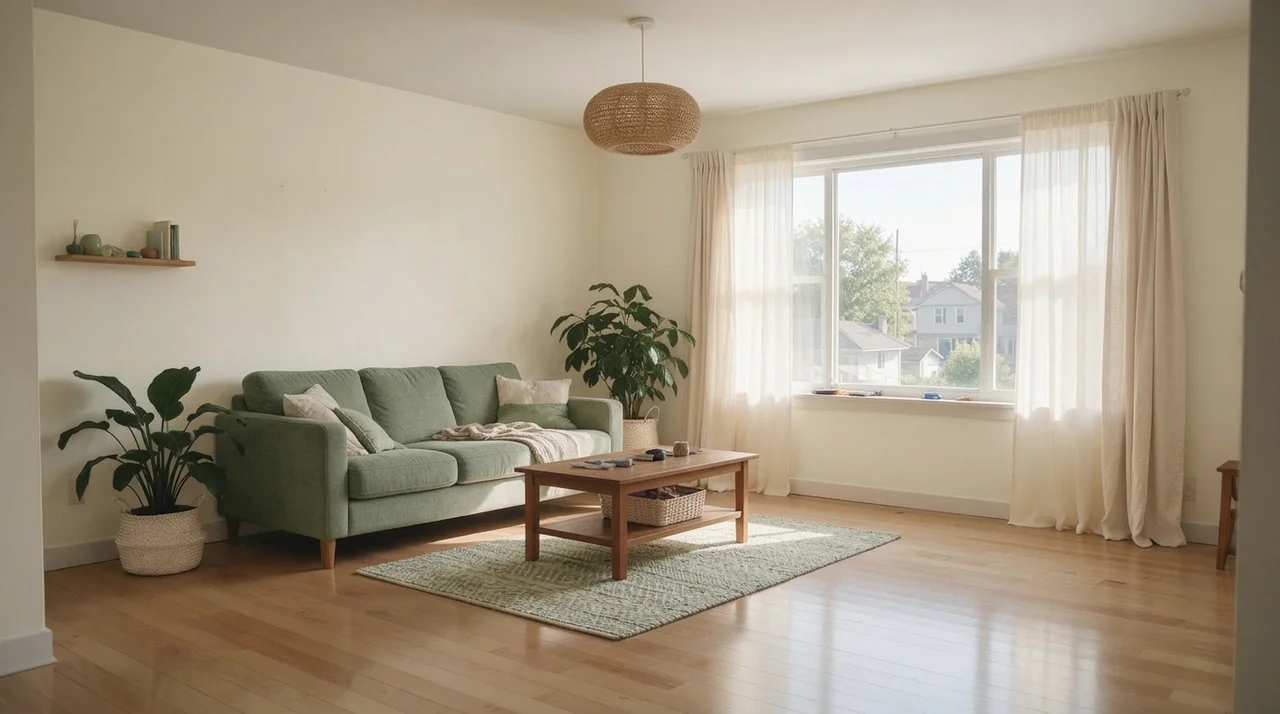
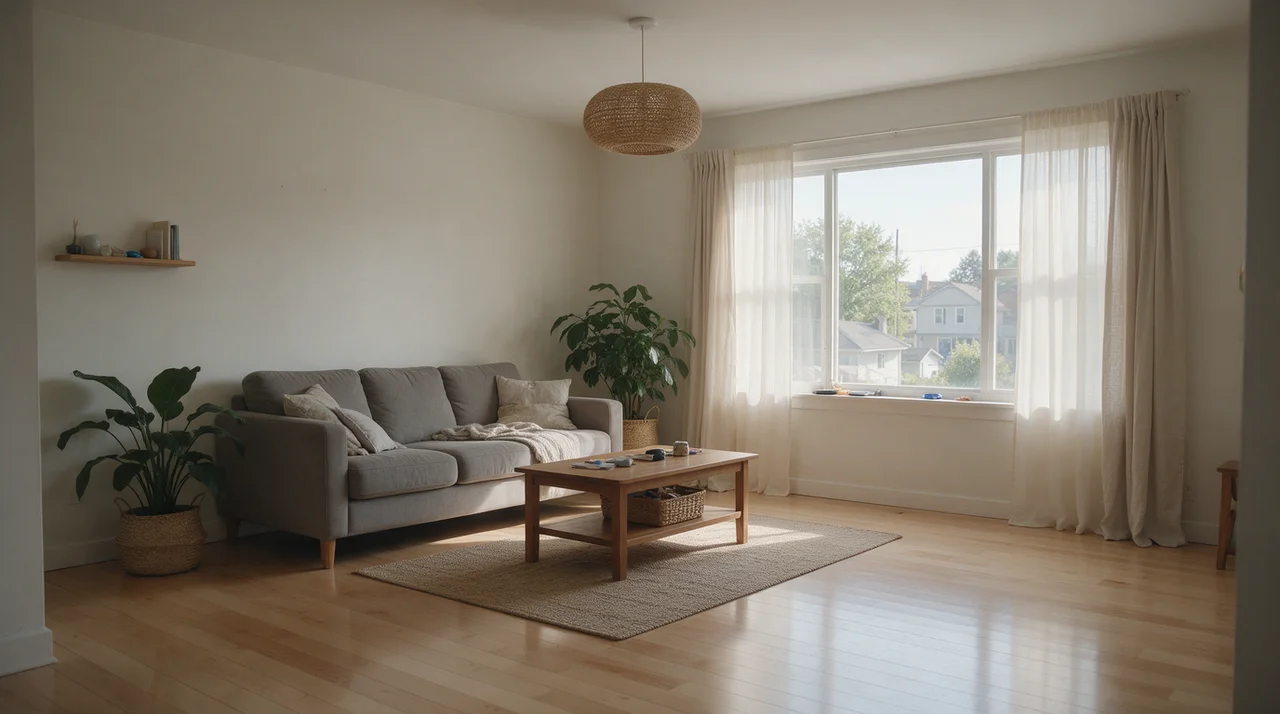
Living room in sage green and warm white 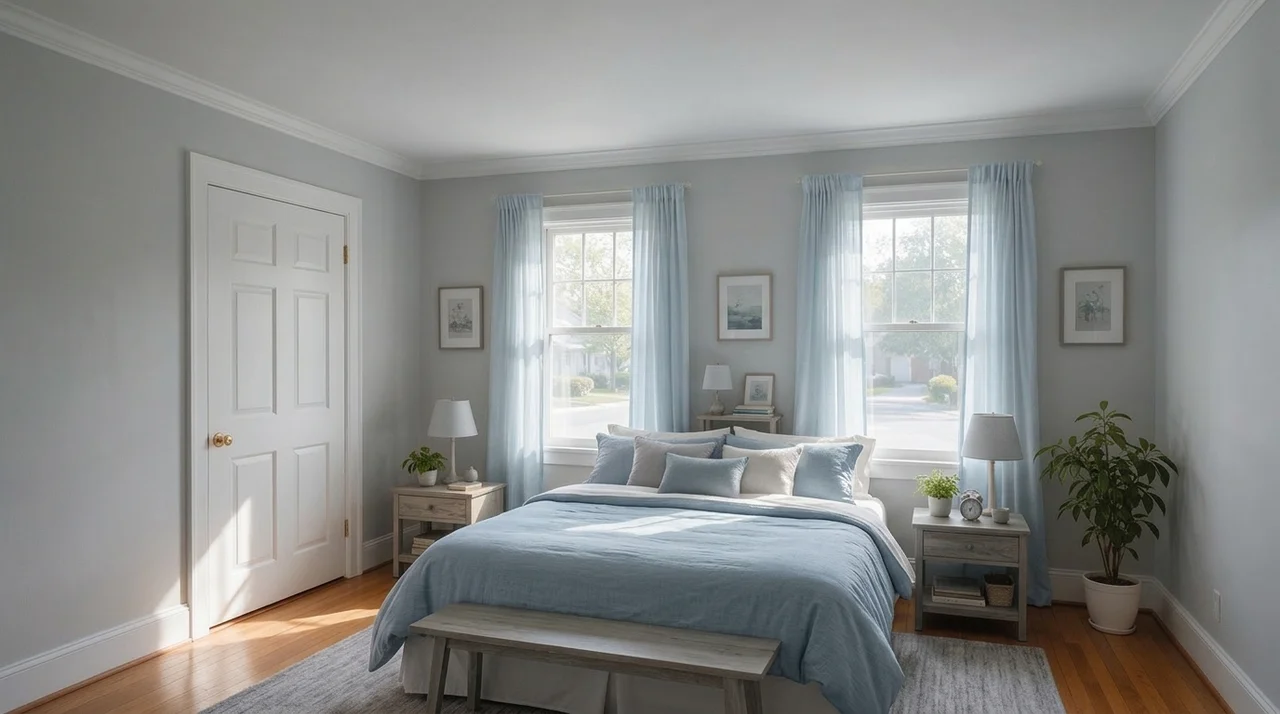 BeforeAfter
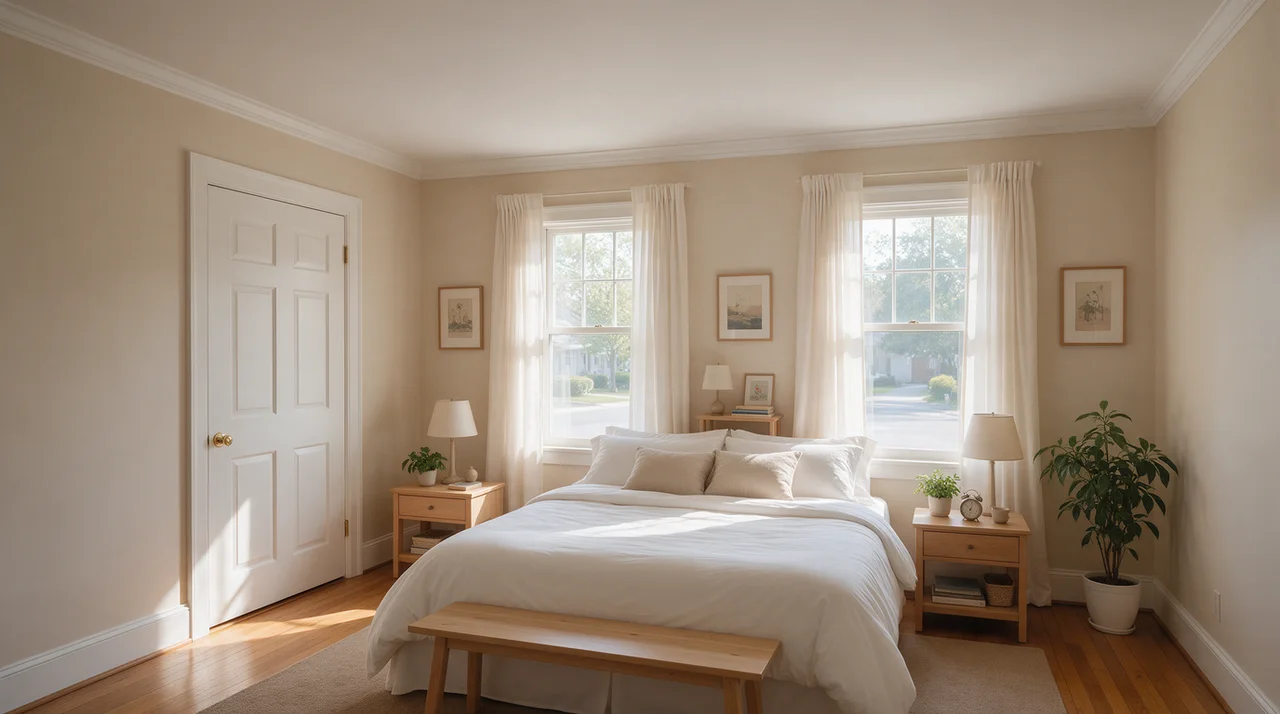
Bedroom in dusty blue and soft gray 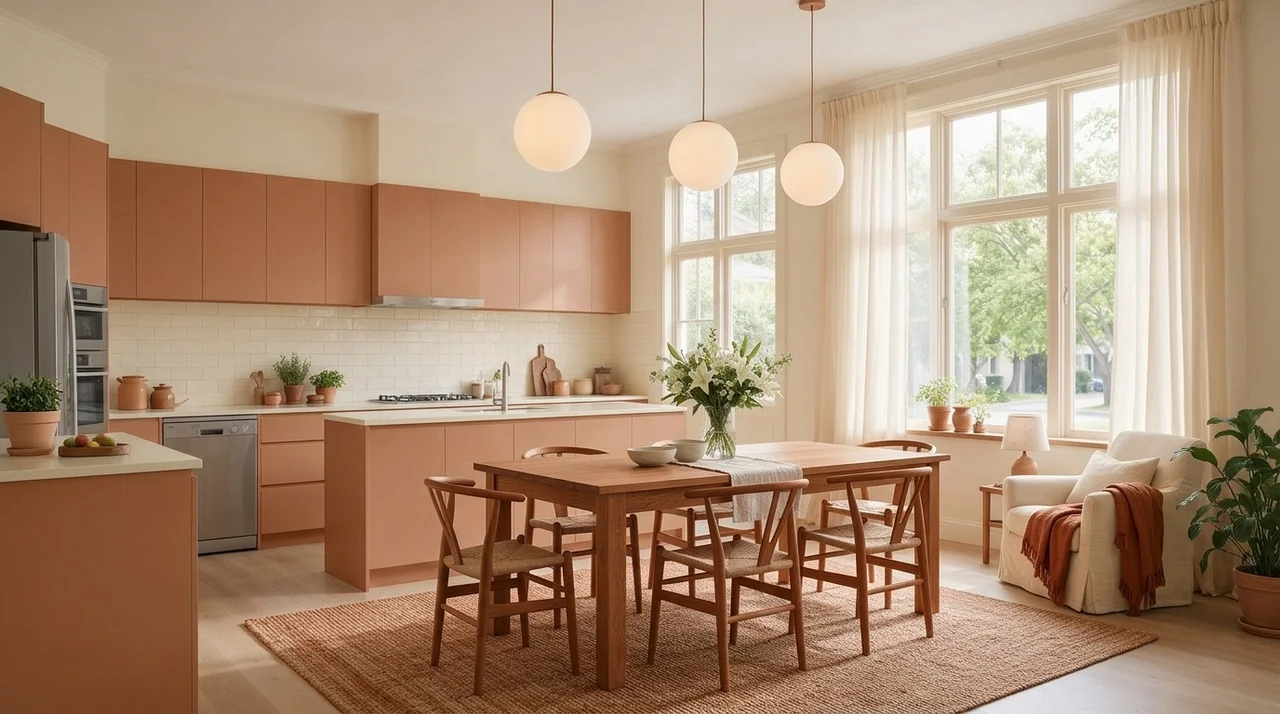 BeforeAfter
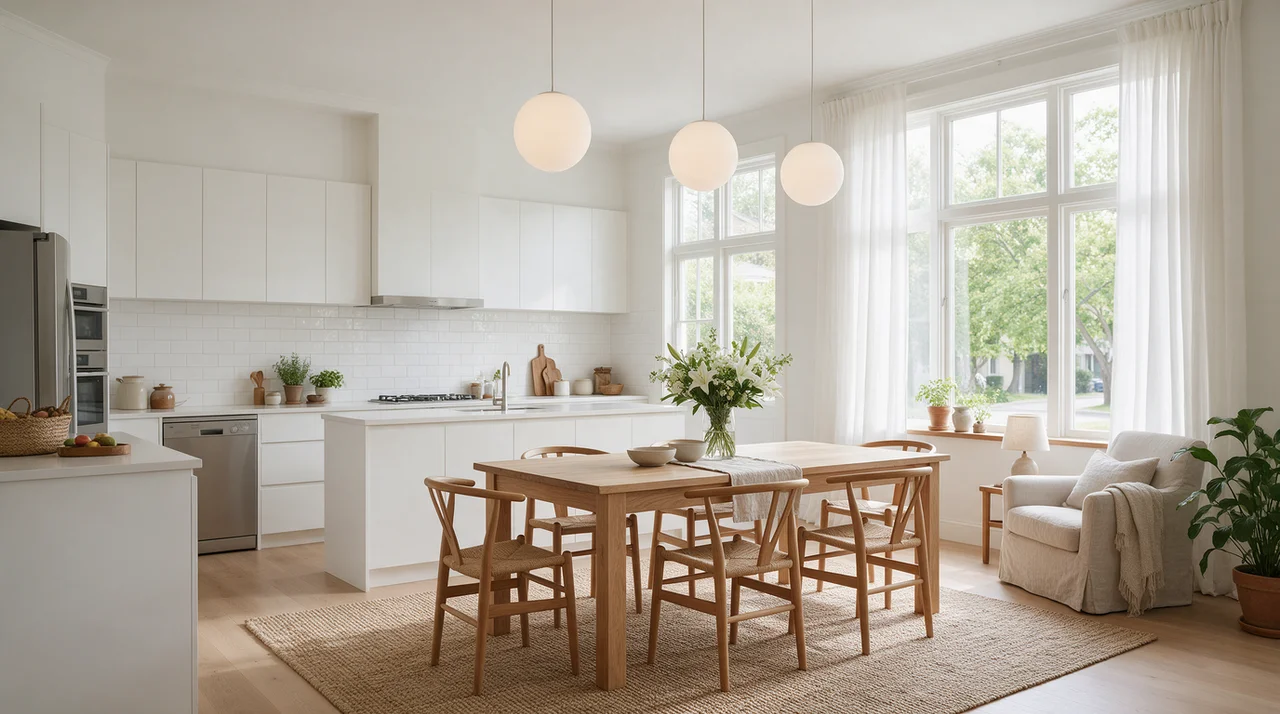
Open kitchen in terracotta and cream 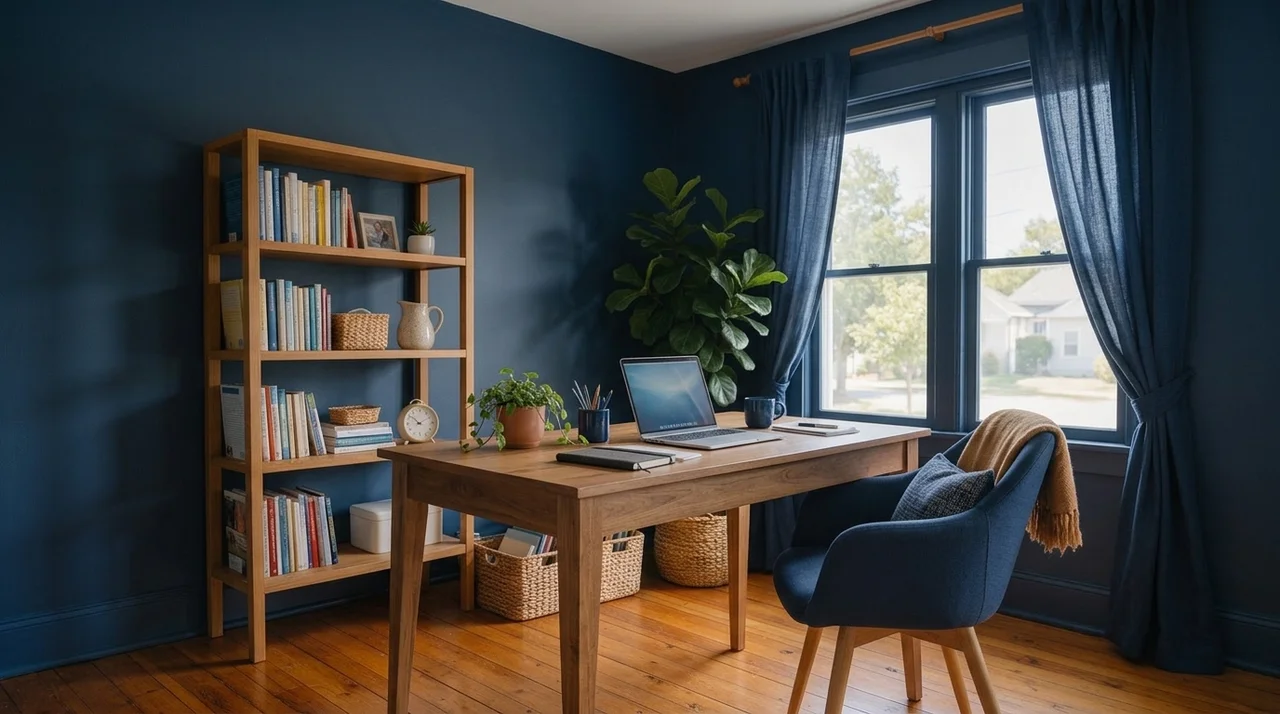 BeforeAfter
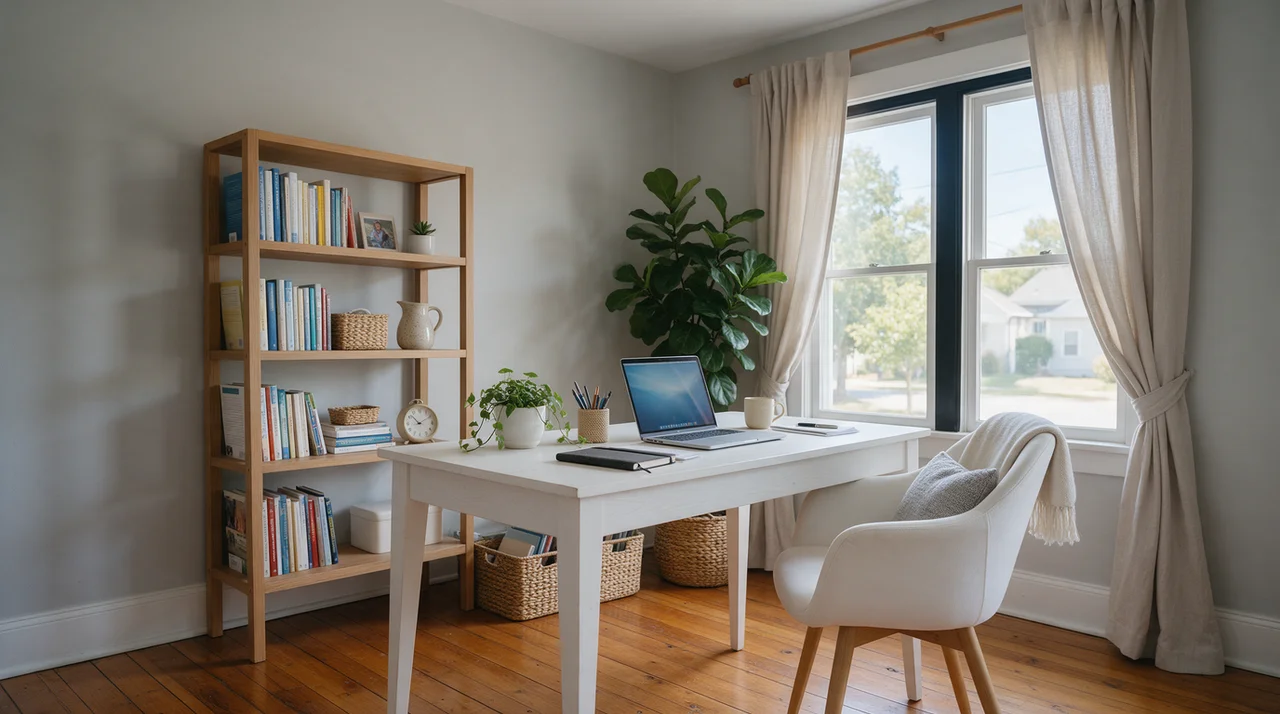
Home office in deep navy and warm wood 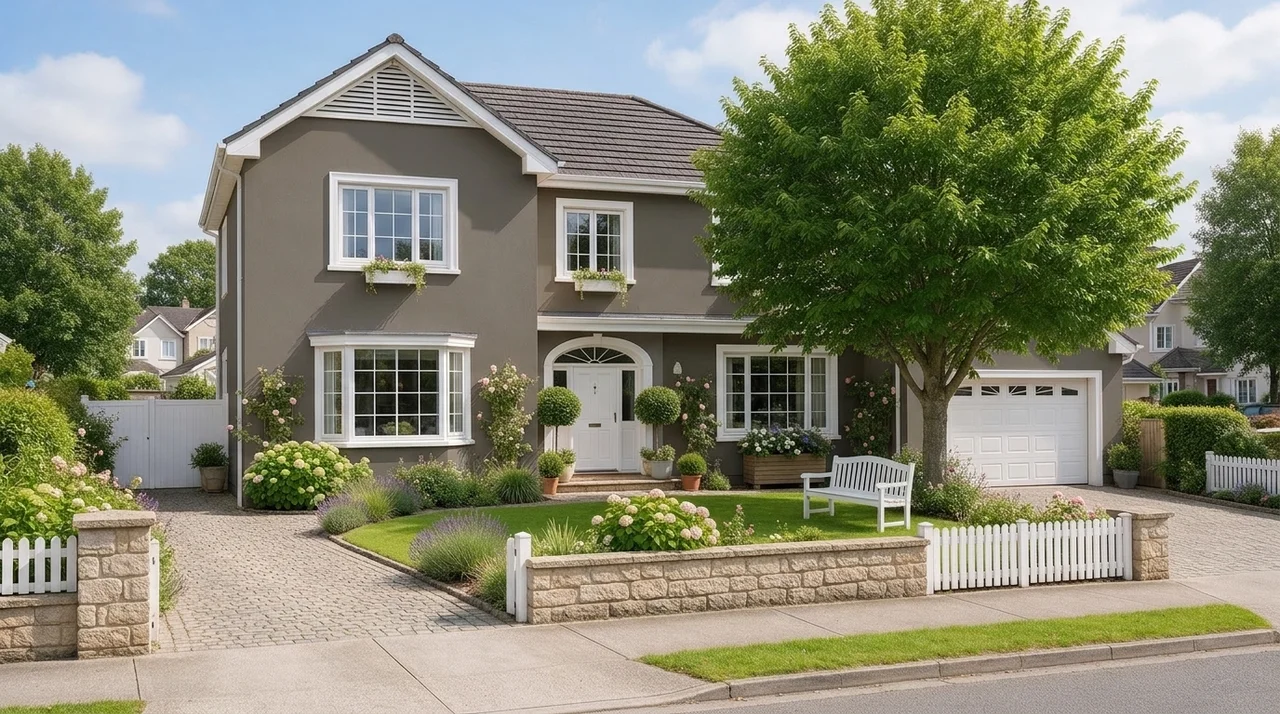 BeforeAfter
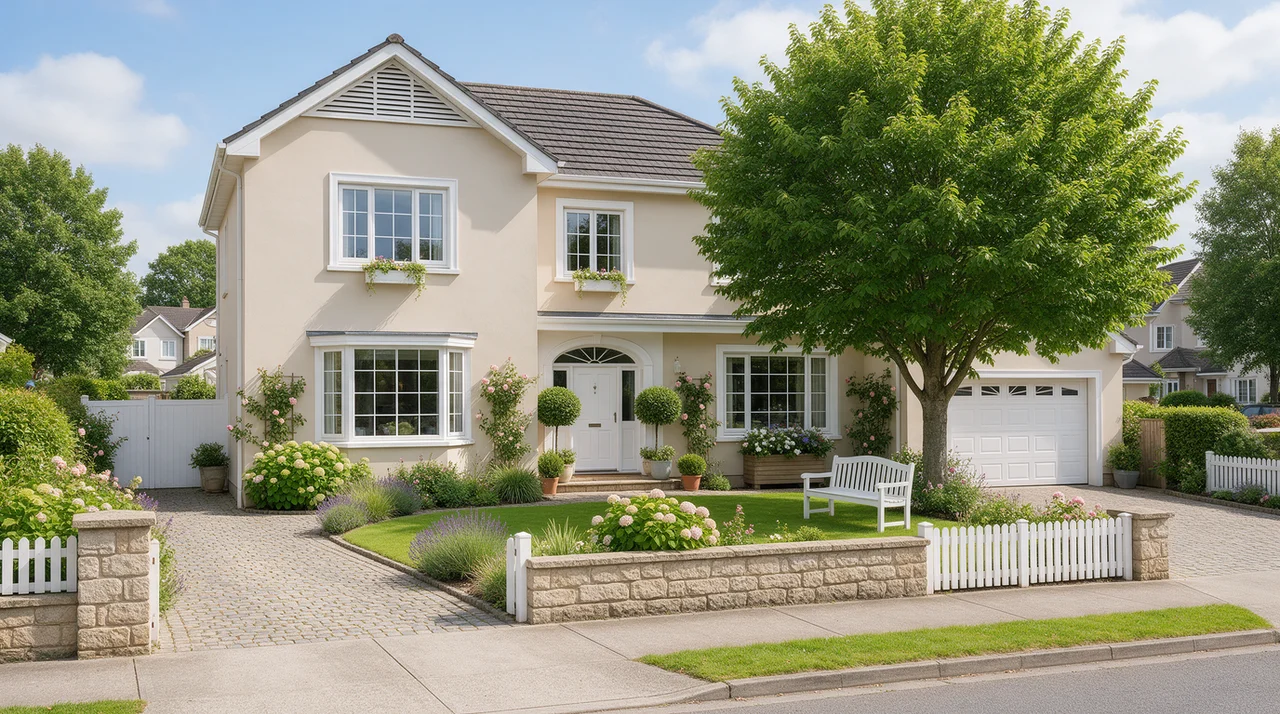
House front in charcoal gray with white trim 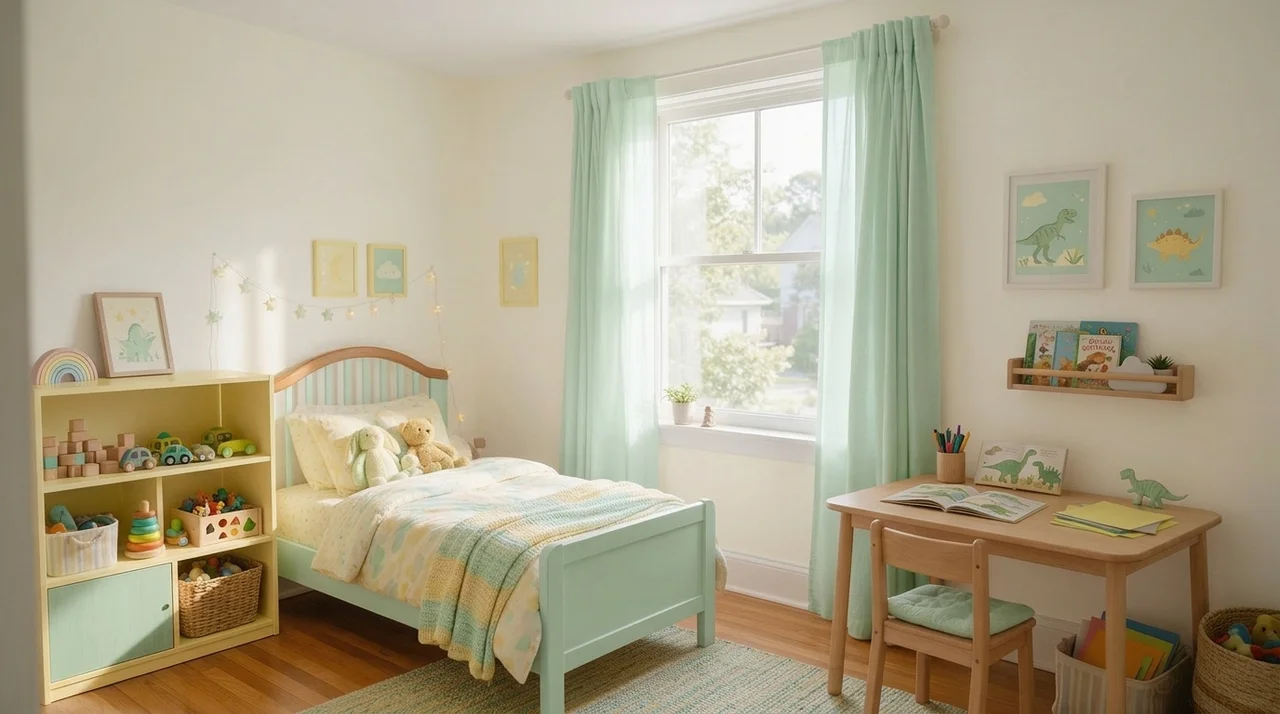 BeforeAfter
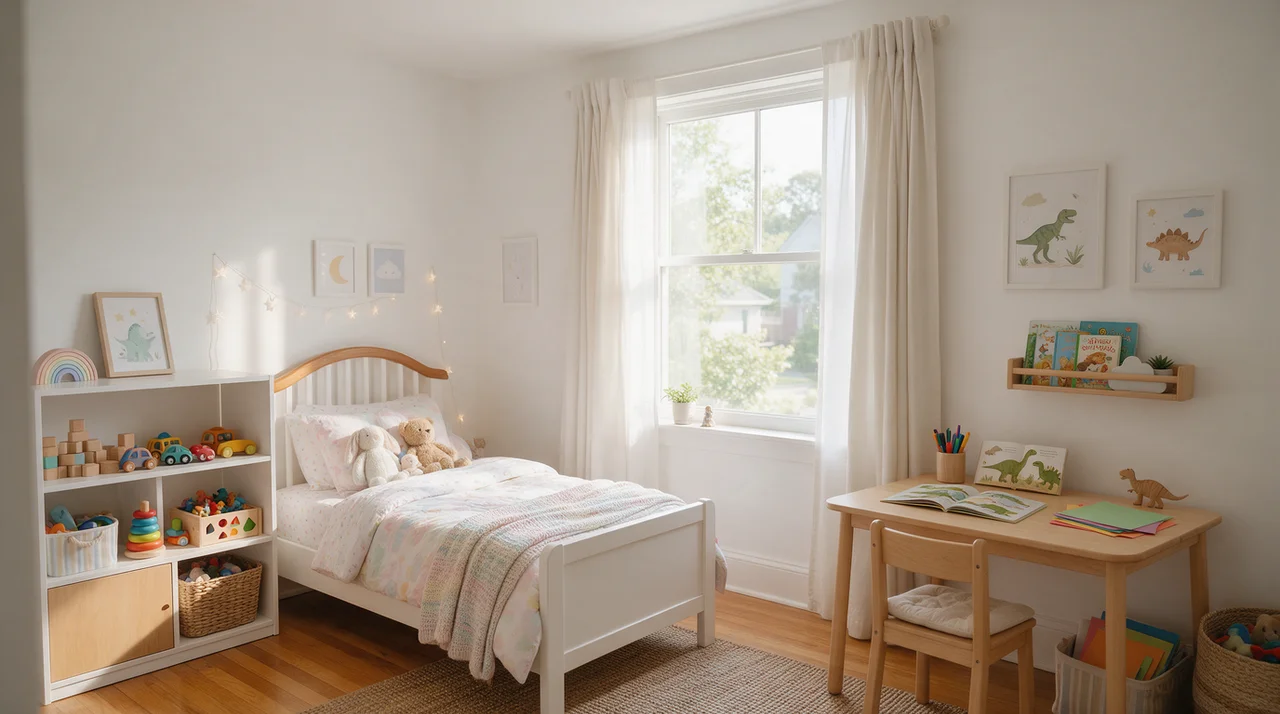
Kids' room in butter yellow and mint
Example rooms are AI-generated; every recolored image is an unedited result from InteriorAI.
What you can do
The same room, new colors
The layout stays and every piece keeps its place. The palette runs through the whole photo, and finishes can follow it.
Palettes or your own words
Choose a ready palette, describe the colors you have in mind, or let the studio pick one at random.
Rooms and house fronts
Living rooms, bedrooms, kitchens and offices, or the outside of a house photographed from the street.
One photo is enough
No measuring and no masking. Take the photo as the room is today.
Settle a direction first
Agree on a color direction at home, then match it to real paint swatches before you buy.
Questions people ask
Is this paint visualizer free?
It is free to try: new accounts get free credits and each recolored image uses one. Plans start at $9.99 a week and make every design tool, including this one, unlimited.
Does it change only the walls?
No. Magic Recolor applies your palette across the whole photo, so walls, furniture, textiles and accents can all take on the new scheme, and parts that already suit it, such as white trim, may keep their color. To change only the walls or the floor, the studio has Redecorate Wall and Redecorate Floor.
Can I see an exact paint color from a paint brand?
No. It works from palettes and color descriptions, not from paint makers' color names or codes. Use it to choose a direction, then check a real swatch on your wall before you buy.
Can I try colors on the outside of my house?
Yes. Upload a daylight photo of the house front taken from across the street. The walls take on your palette; window frames and trim that already suit it can stay as they are.
Will the furniture or the layout change?
The layout does not change, and every piece stays where it is. Colors and finishes follow the palette, so a white desk can come back in warm wood. To restyle a room with new furniture, use the interior design tool instead.
Which photo gives the best result?
A level photo in daylight with most of the walls visible and few things in the way.
Related tools
Try a new color scheme on your own room
Recolor my room freeFree to try. Plans from $9.99 a week.See plans