Bedroom design
AI bedroom design from a photo of your room
Upload a photo of your bedroom and see the same room with new furniture, colors and lighting in under a minute.
For anyone redecorating, moving in or furnishing a spare room.
Free account · No card needed · Web and iPhone
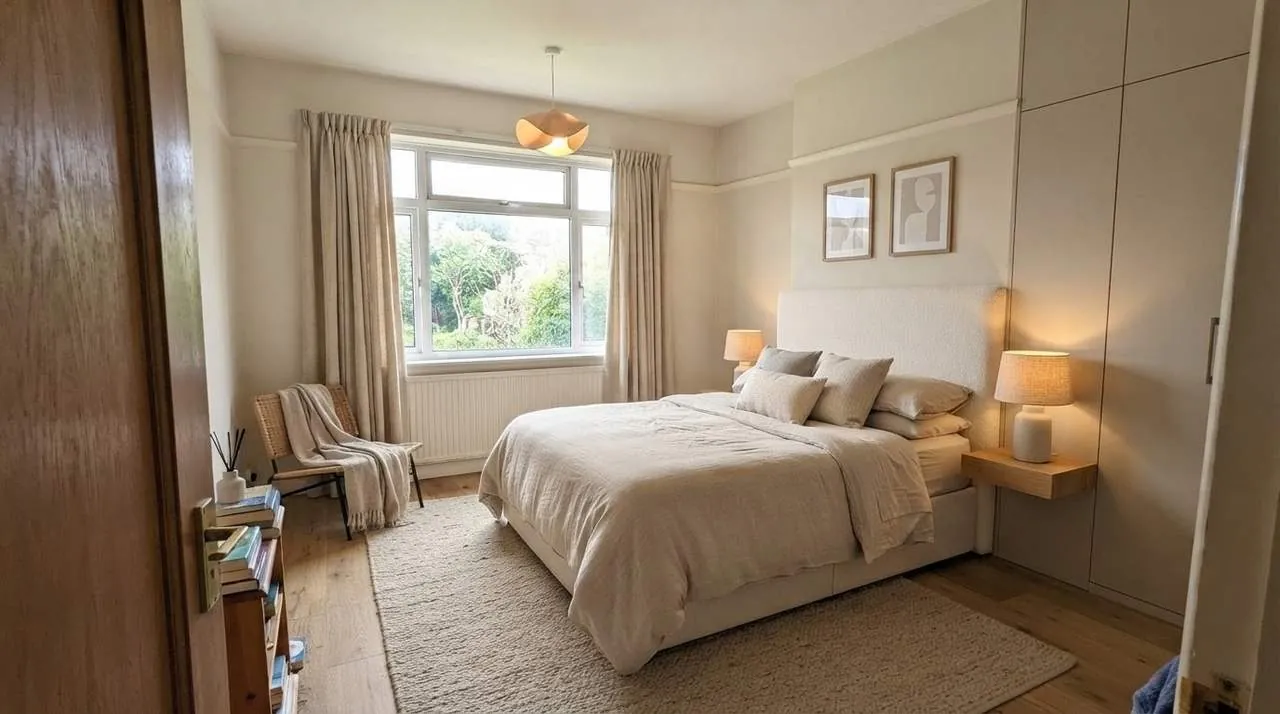
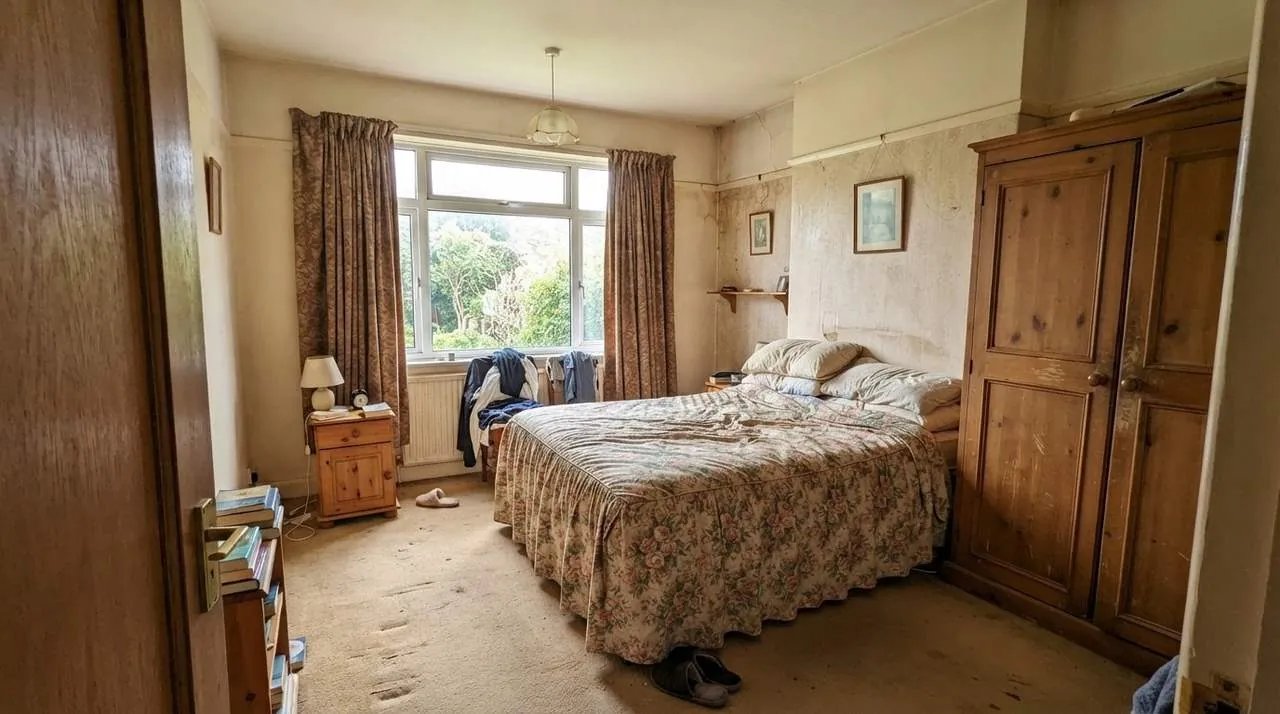
Drop a photo of your bedroom, or choose one
Taken from the doorway, so the bed and the window are both in the frame.
or try a sample
Free account needed to generate. No card. Your photo is kept while you sign up.
How it works
Photograph the bedroom
A daylight photo from the door shows the most. The room can be lived-in; you do not have to clean up.
Choose Bedroom and a style
Set the room type to Bedroom, then pick a style such as Scandinavian or Japandi, or describe your own.
Download the new bedroom
An image of your own room in the new style is ready in under a minute.
Bedrooms redesigned
- BeforeAfter
Main bedroom in warm neutrals 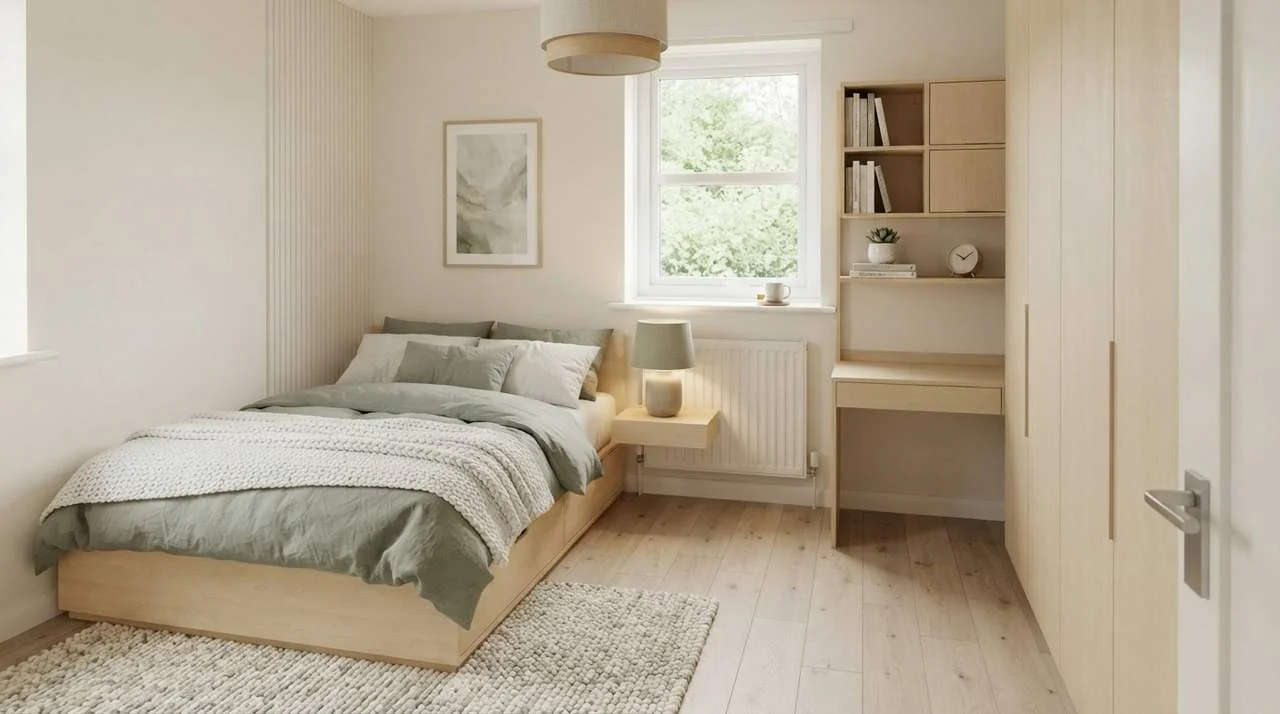 BeforeAfter
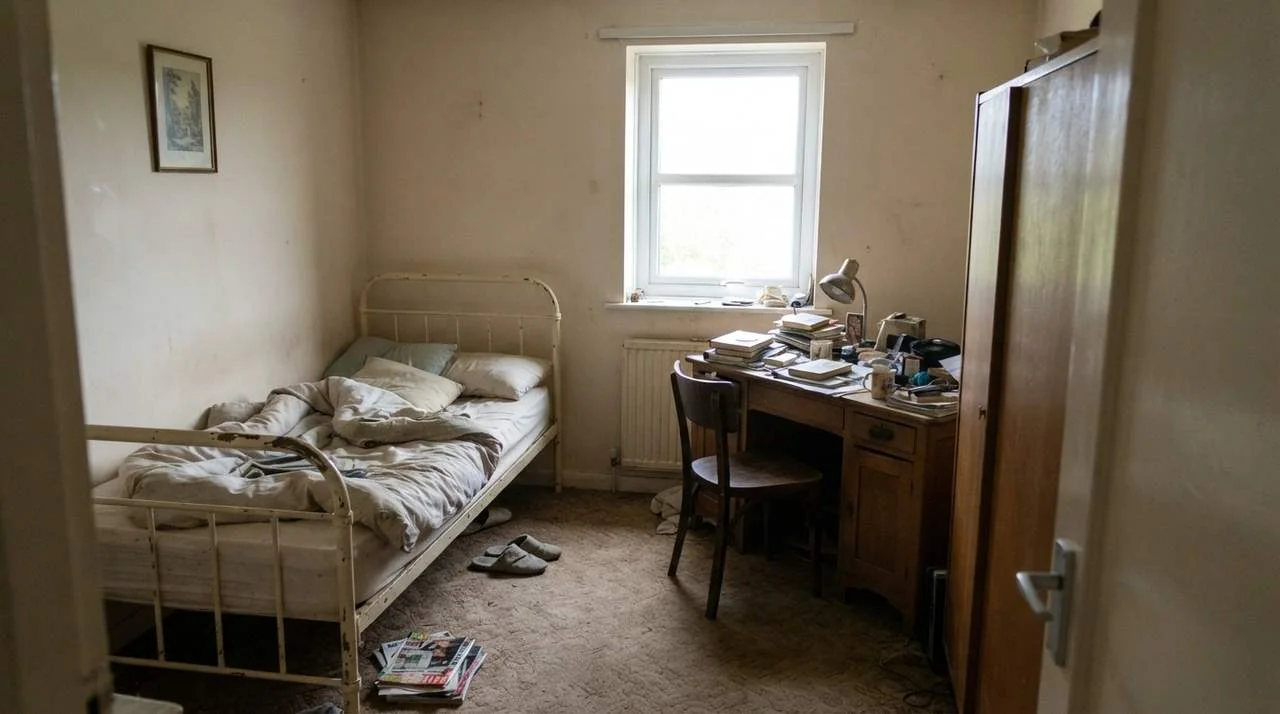
Small bedroom with built-in storage 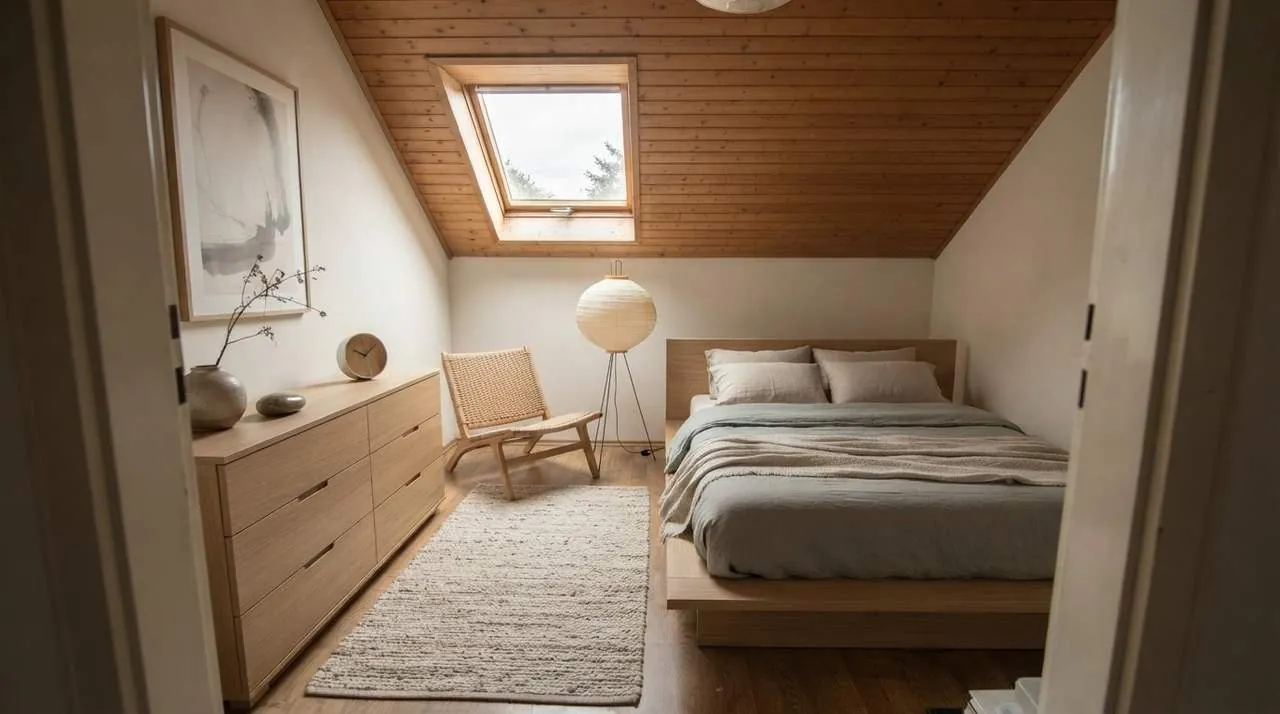 BeforeAfter
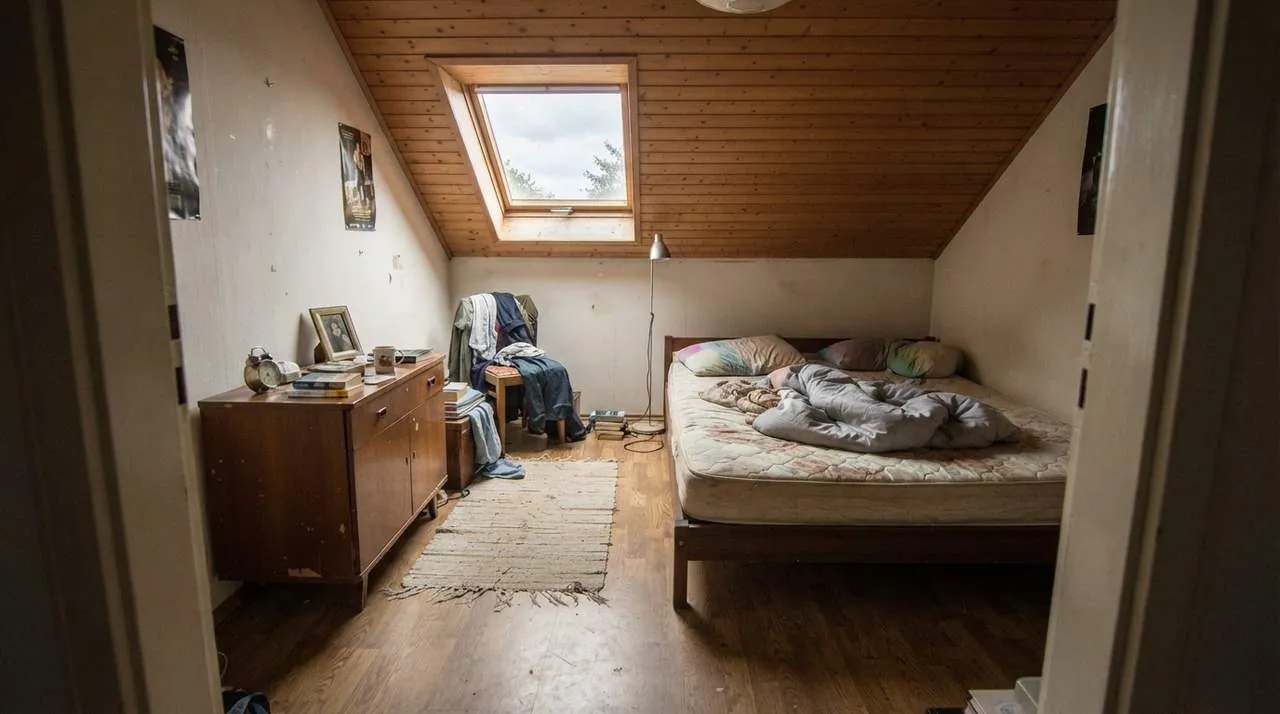
Attic bedroom in a Japandi style 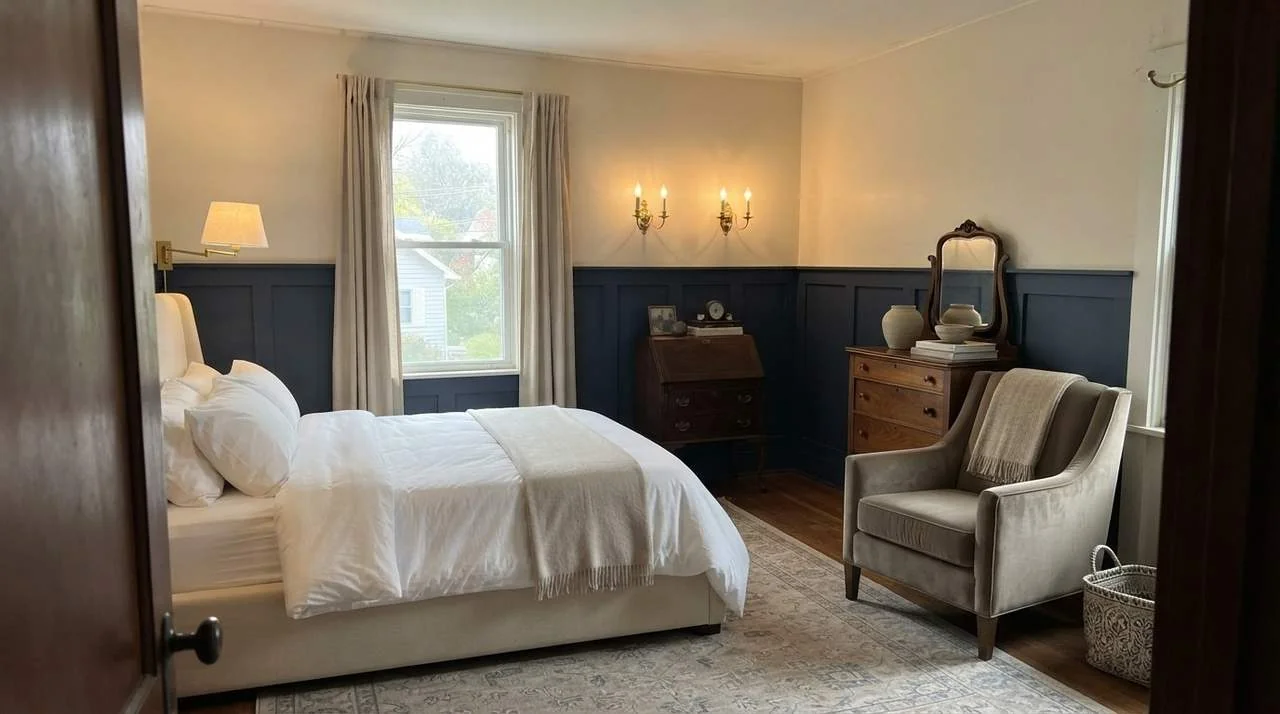 BeforeAfter
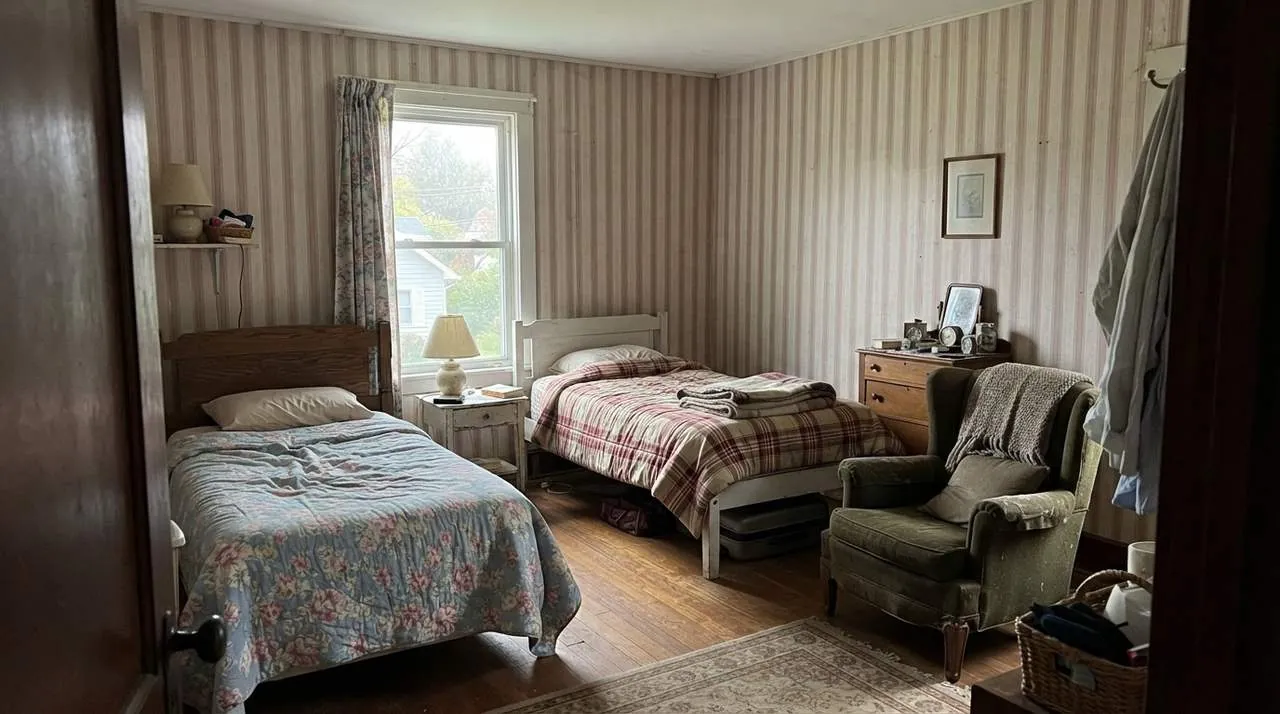
Guest room with deep blue paneling 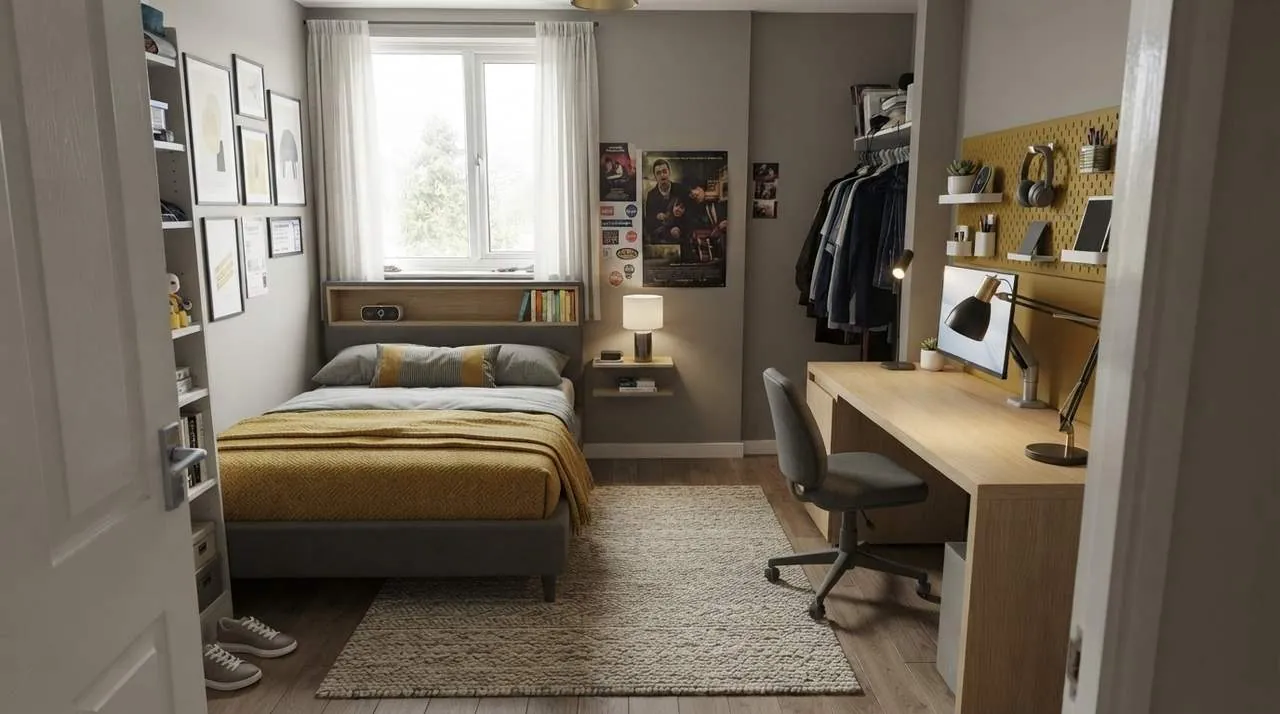 BeforeAfter
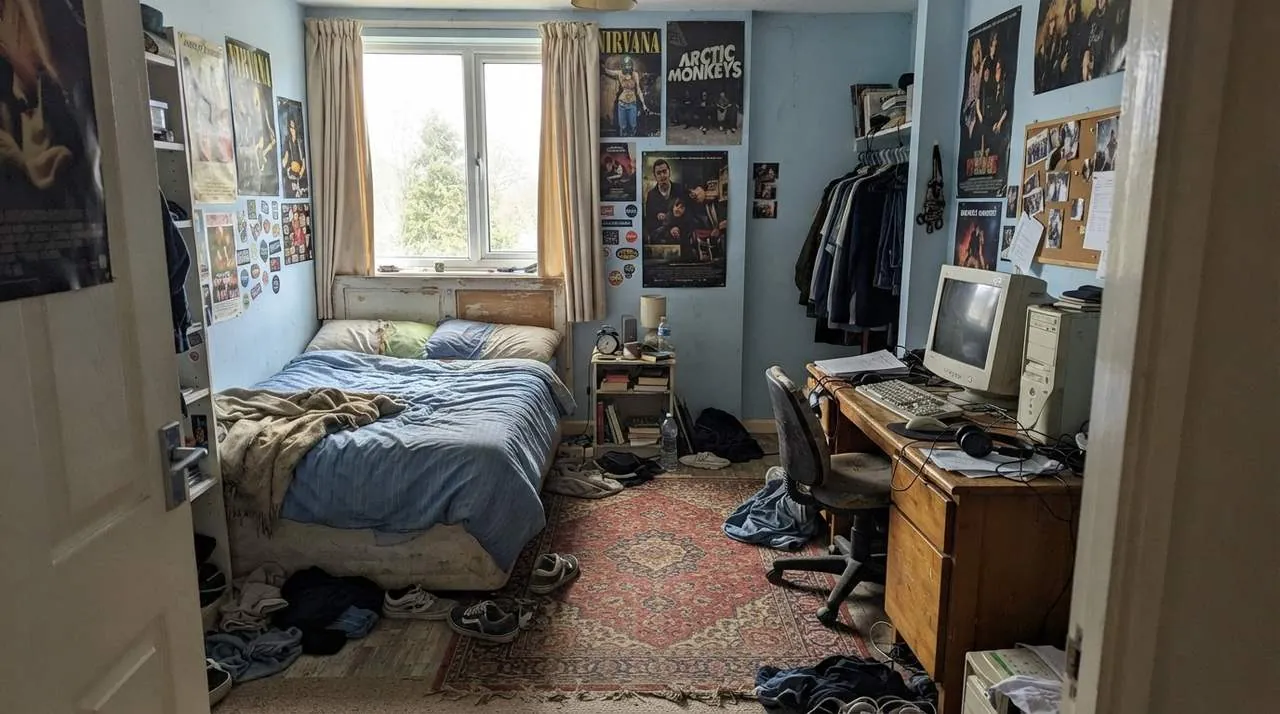
Teenager's room with a built-in desk 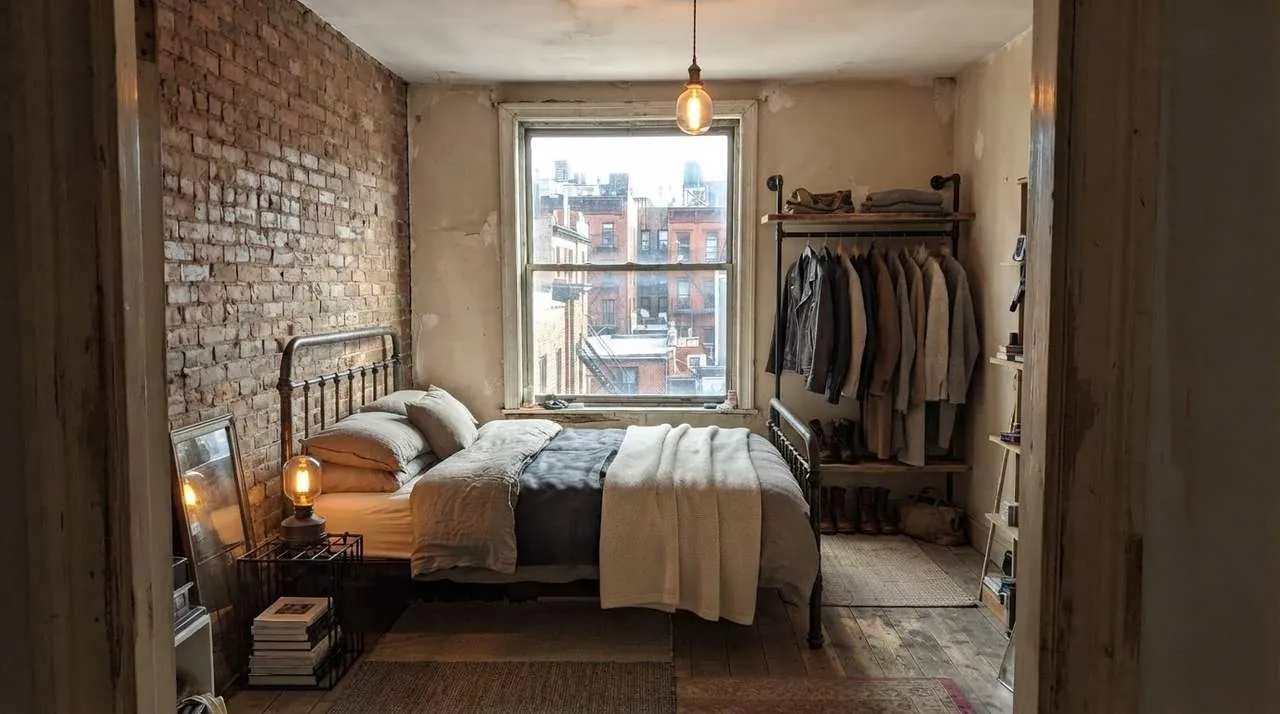 BeforeAfter
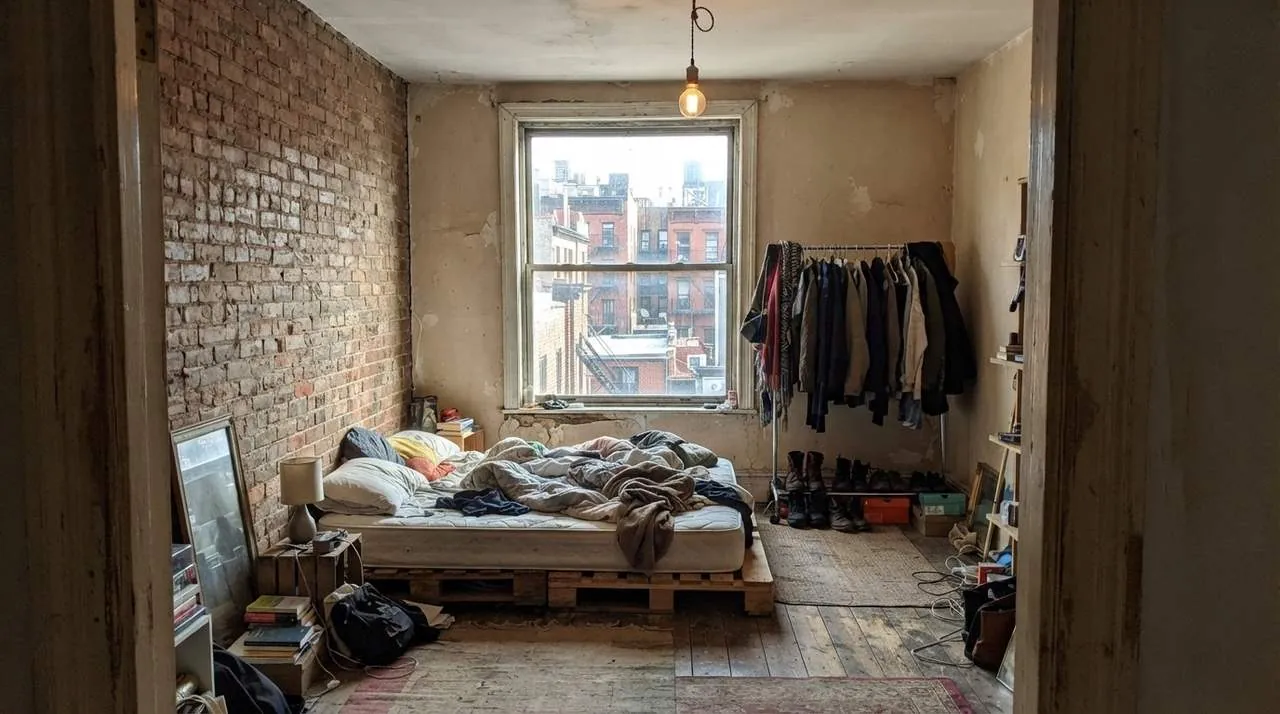
City bedroom with exposed brick
Example bedrooms are AI-generated; every redesign is an unedited result from InteriorAI.
What you can do
Your room, kept recognizable
Walls, windows, doors and a sloping ceiling stay where they are. Furniture, colors, textiles and lighting change.
A mood, not just furniture
Calm and neutral, dark and cozy, bright and Scandinavian: pick a style or describe the feeling you want.
Ideas for awkward rooms
Small rooms, attic rooms, tiny rooms and shared rooms get layouts that fit the space in the photo.
No cleaning up, no measuring
A phone photo of the room as it is today is enough.
Sharper when you need it
Upscale a result for a larger image.
Questions people ask
How much does AI bedroom design cost?
It is free to try: new accounts get free credits and each redesign uses one. Plans start at $9.99 a week and make every design tool, including this one, unlimited.
Is there a separate bedroom tool?
No. Bedroom design uses the interior design tool: you upload the photo, set the room type to Bedroom and choose a style. The same tool works for any other room.
Will it keep my bed where it is?
It is built to keep the room itself, and it usually keeps large pieces in a similar place. To change only the walls or the floor, use Redecorate Wall or Redecorate Floor instead.
Can I buy the furniture in the picture?
The image shows a style, not specific products, and there is no shopping list. The studio's Furniture Search can help you look for similar pieces.
Does it work for a very small bedroom?
Yes. Photograph as much of the room as you can from the doorway. The result respects the walls and the window you have.
What photo of a bedroom works best?
A level photo in daylight, taken from the door or a corner, with the bed and at least one window visible.
Related tools
Redesign your bedroom free
Redesign my bedroom freeFree to try. Plans from $9.99 a week.See plans