Kitchen design
AI kitchen design: see your kitchen remodeled
Upload a photo of your kitchen and see the same room with new cabinet fronts, countertops, colors and lighting in under a minute.
For homeowners planning a remodel, and for contractors and designers showing options.
Free account · No card needed · Web and iPhone
Drop a photo of your kitchen, or choose one
Taken from the doorway, with the cabinets and the window in the frame.
or try a sample
Free account needed to generate. No card. Your photo is kept while you sign up.
How it works
Photograph the kitchen
Stand in the doorway so most of the cabinets, the countertop and the floor are visible.
Choose Kitchen and a style
Set the room type to Kitchen, then pick a style, or describe it: sage shaker doors, white quartz, brass handles.
Download the new kitchen
An image of your own kitchen with the new look is ready in under a minute.
Kitchens redesigned
- BeforeAfter
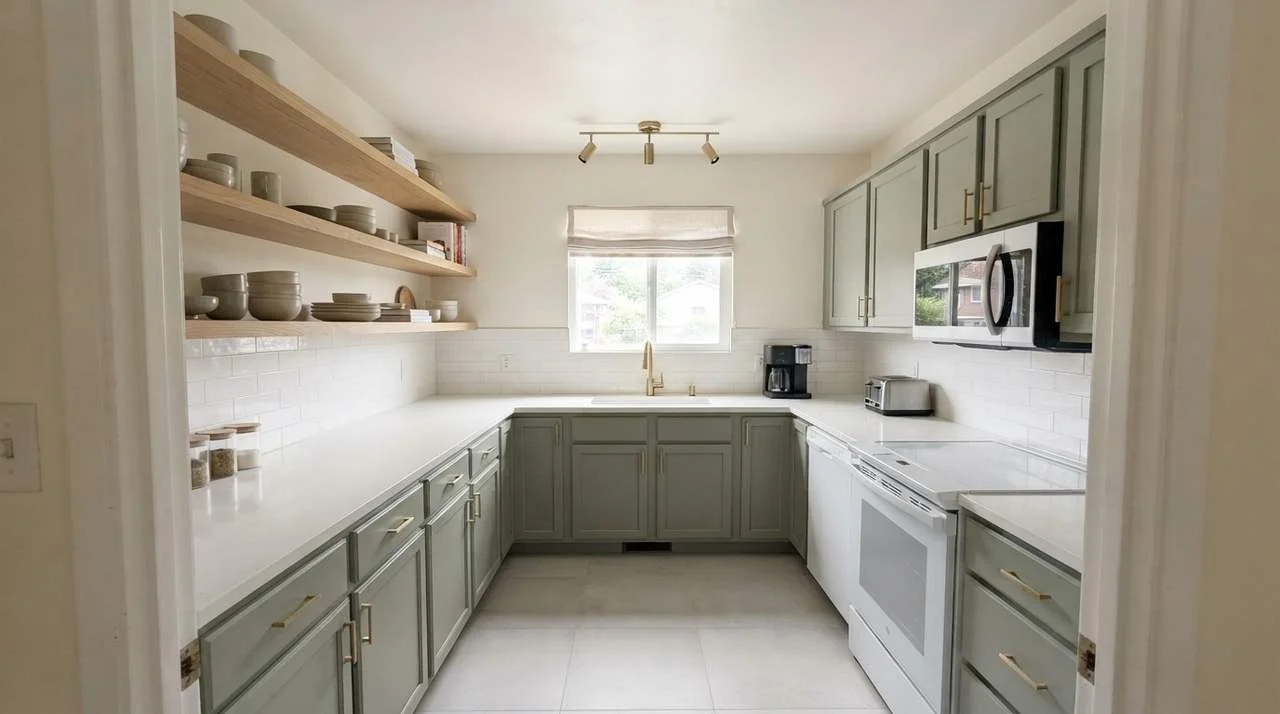
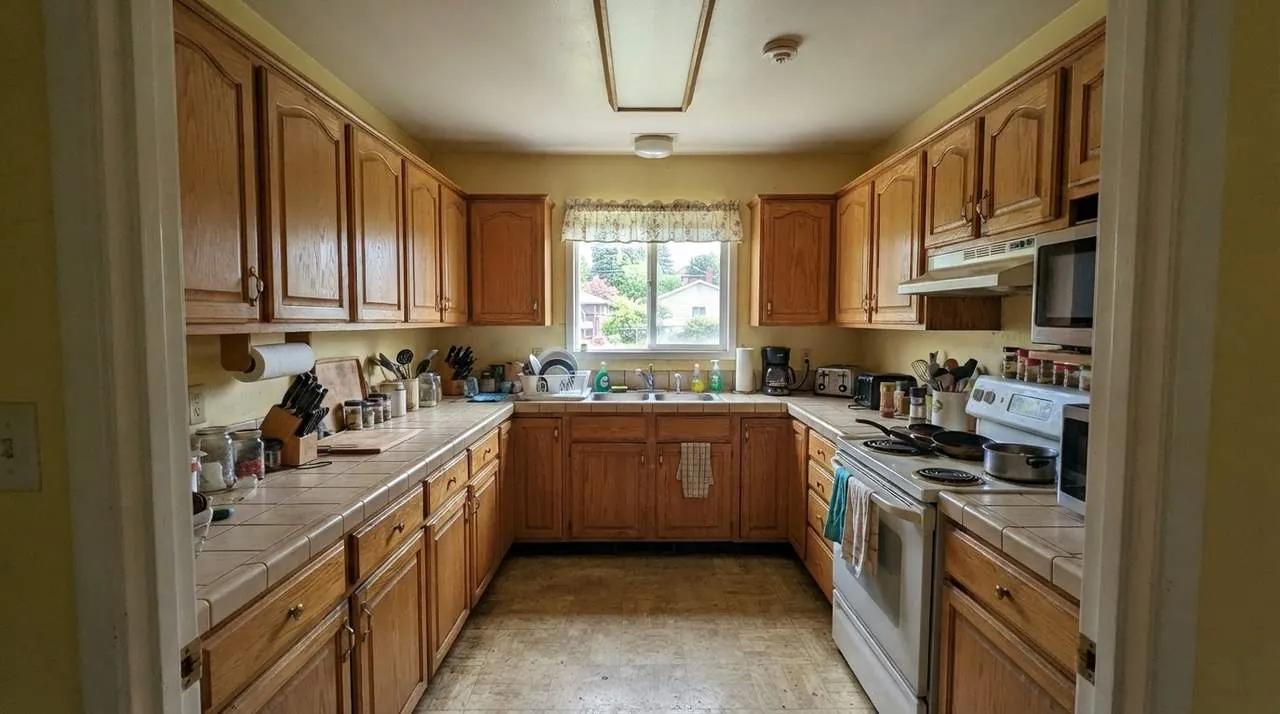
1990s oak kitchen in sage green 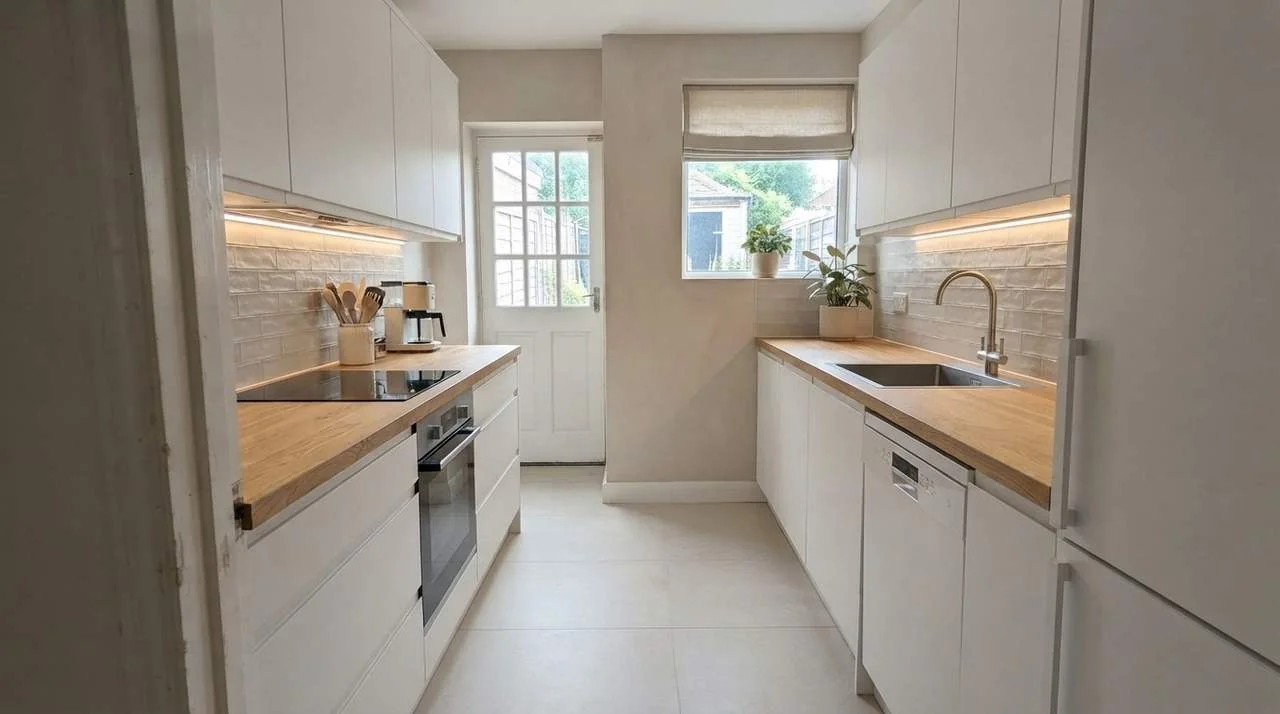 BeforeAfter
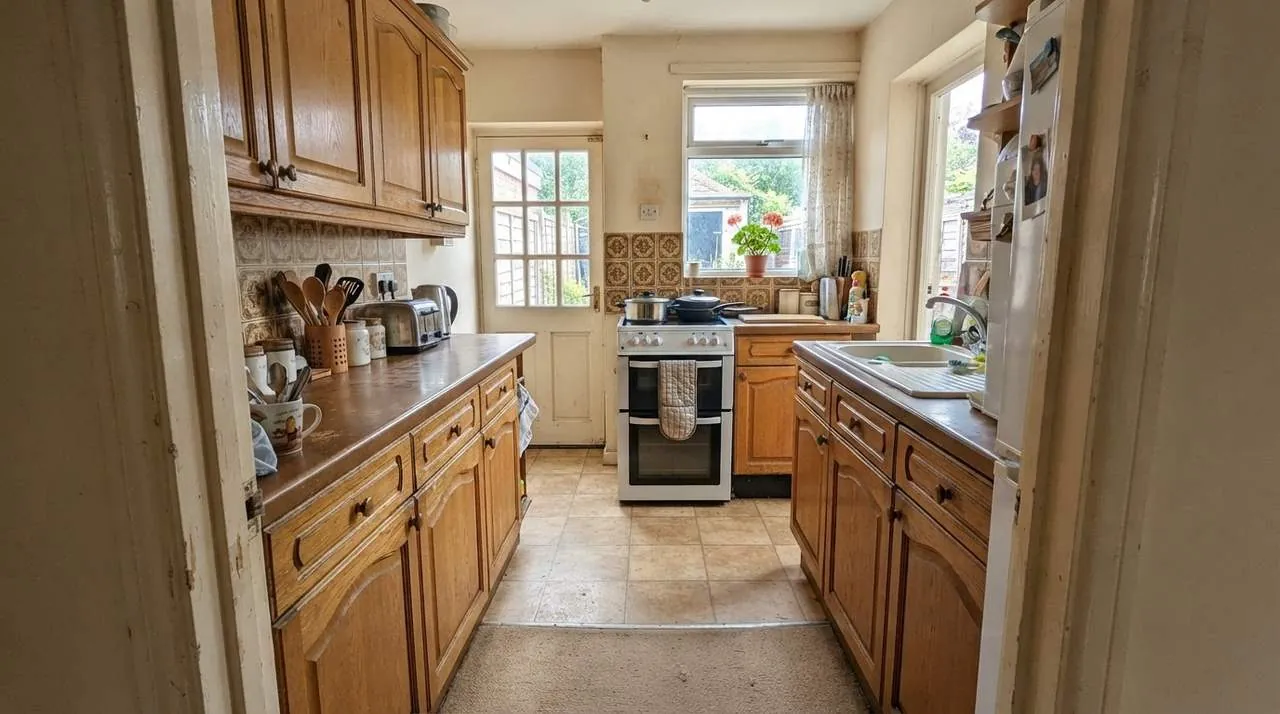
Galley kitchen in white and oak 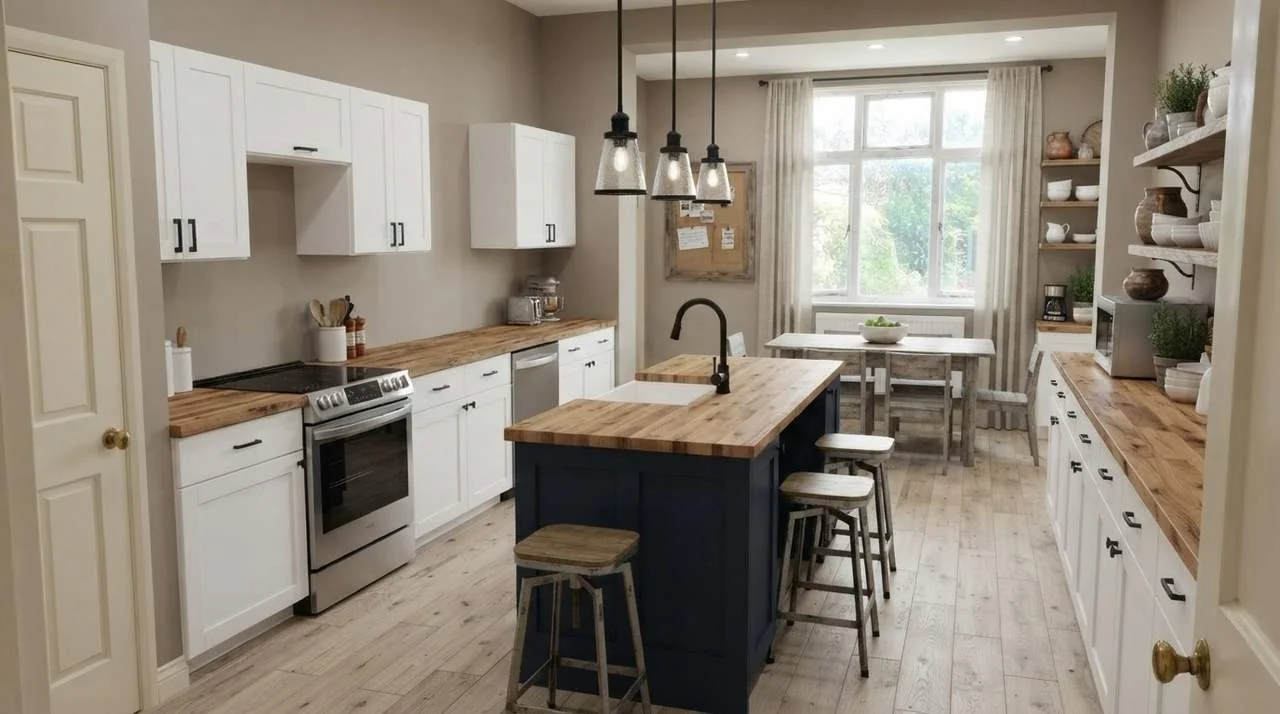 BeforeAfter
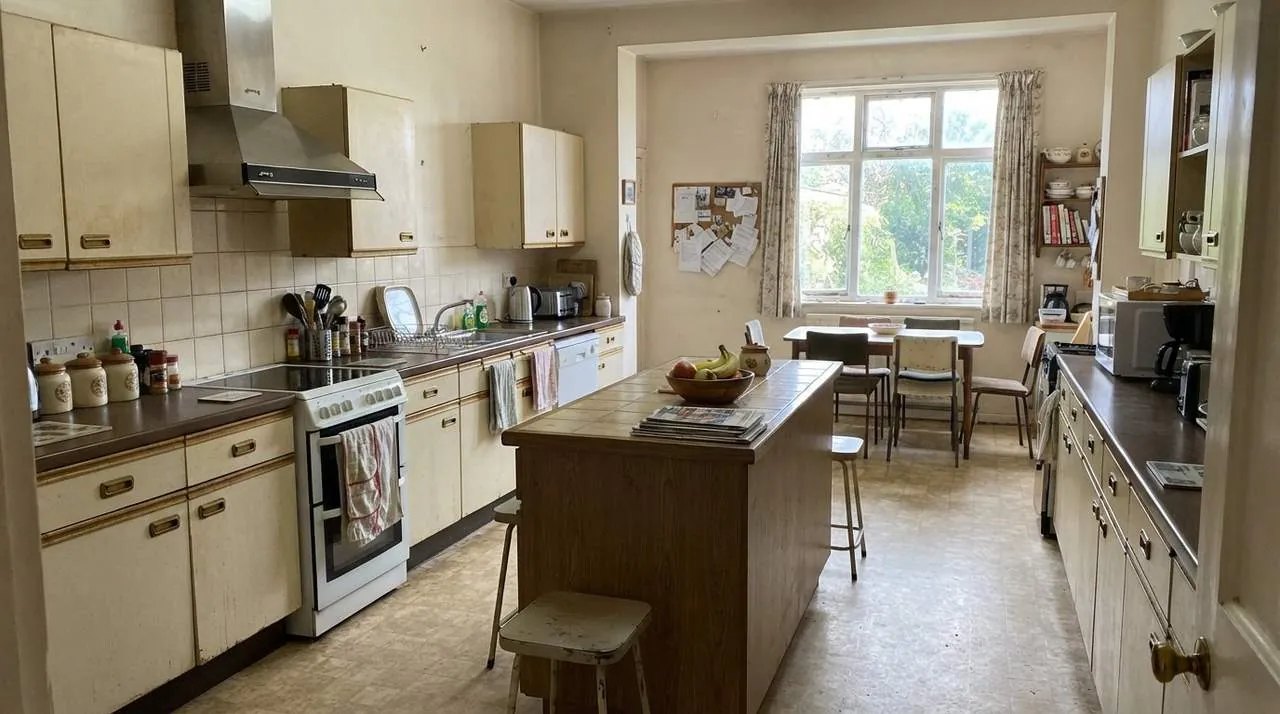
Family kitchen with a navy island 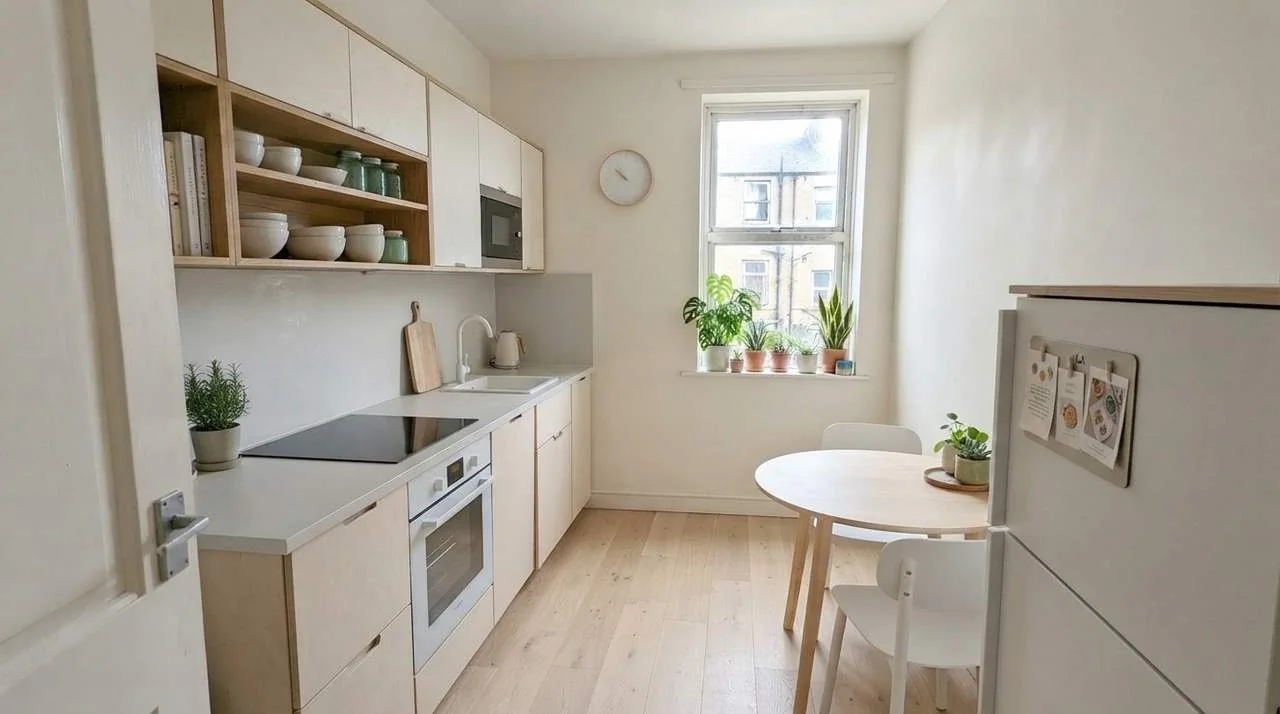 BeforeAfter
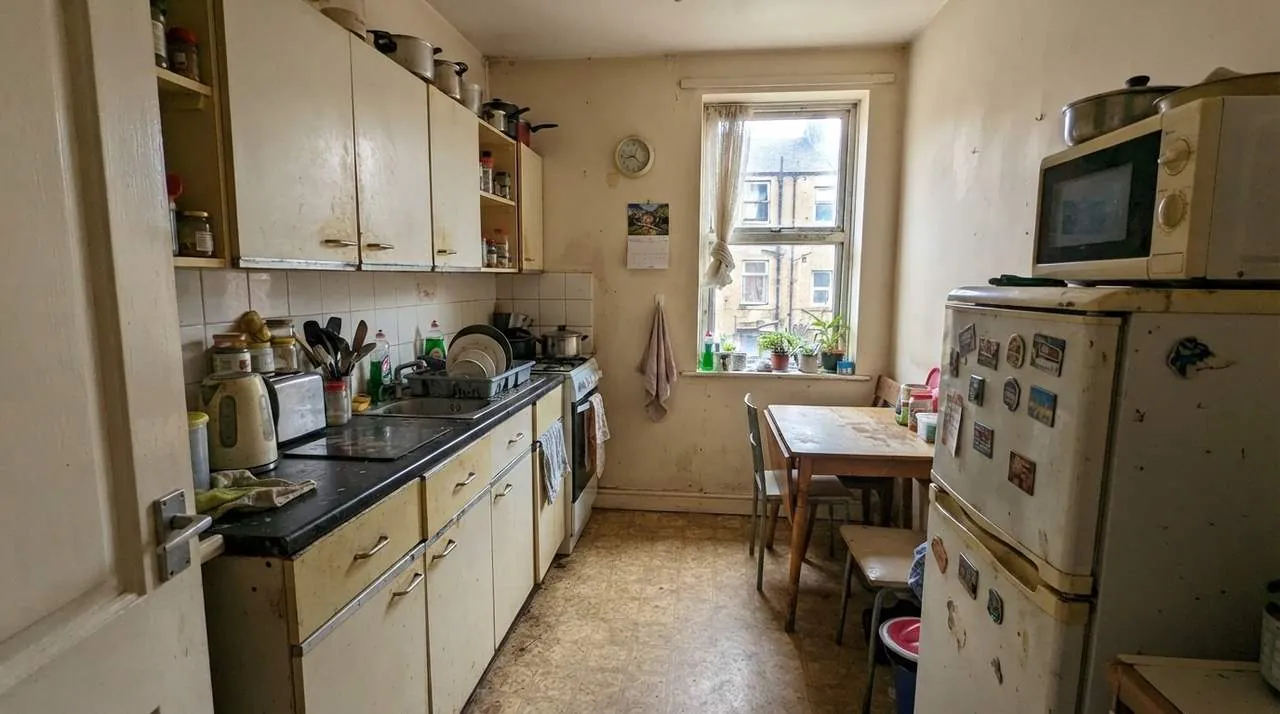
Small apartment kitchen in pale wood 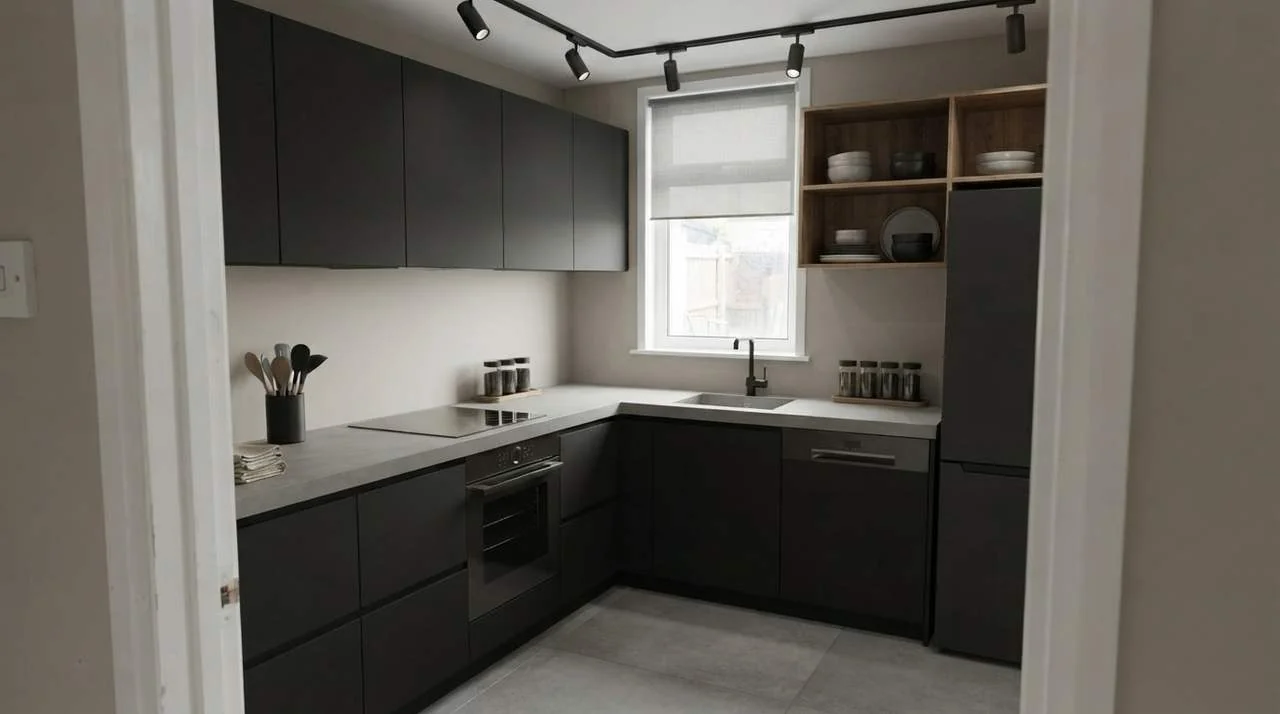 BeforeAfter
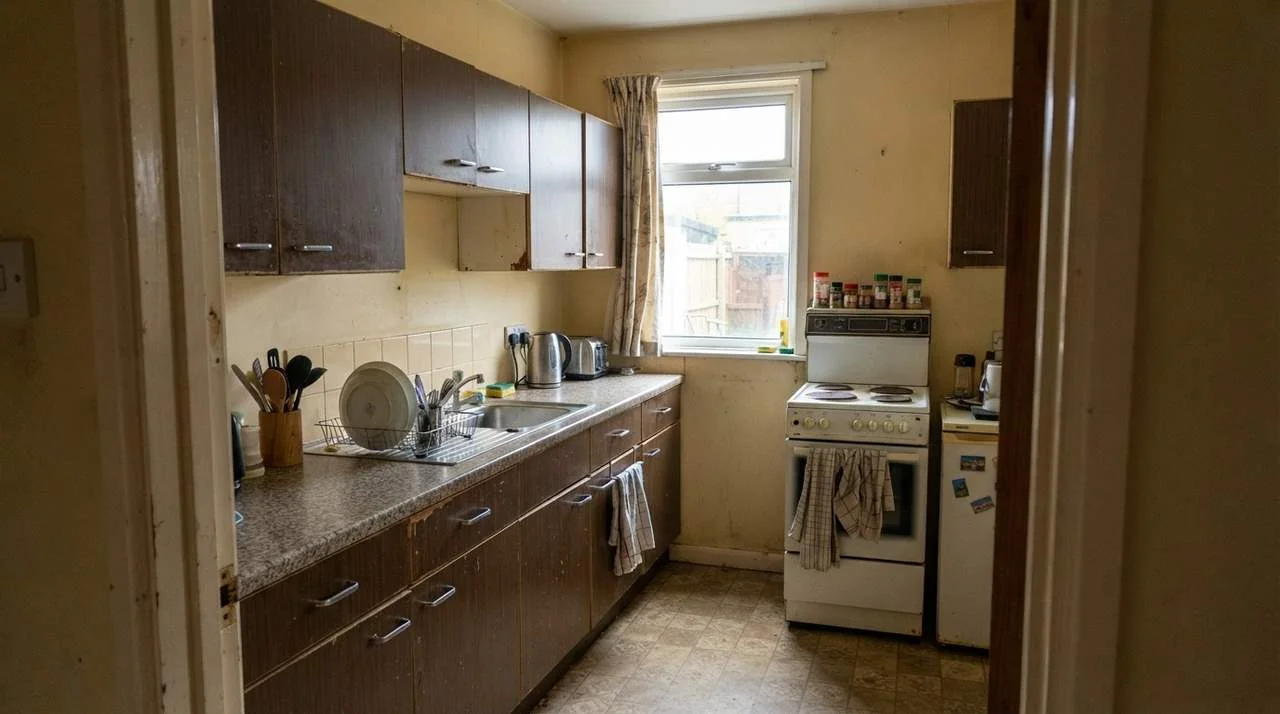
Dark kitchen in matte black 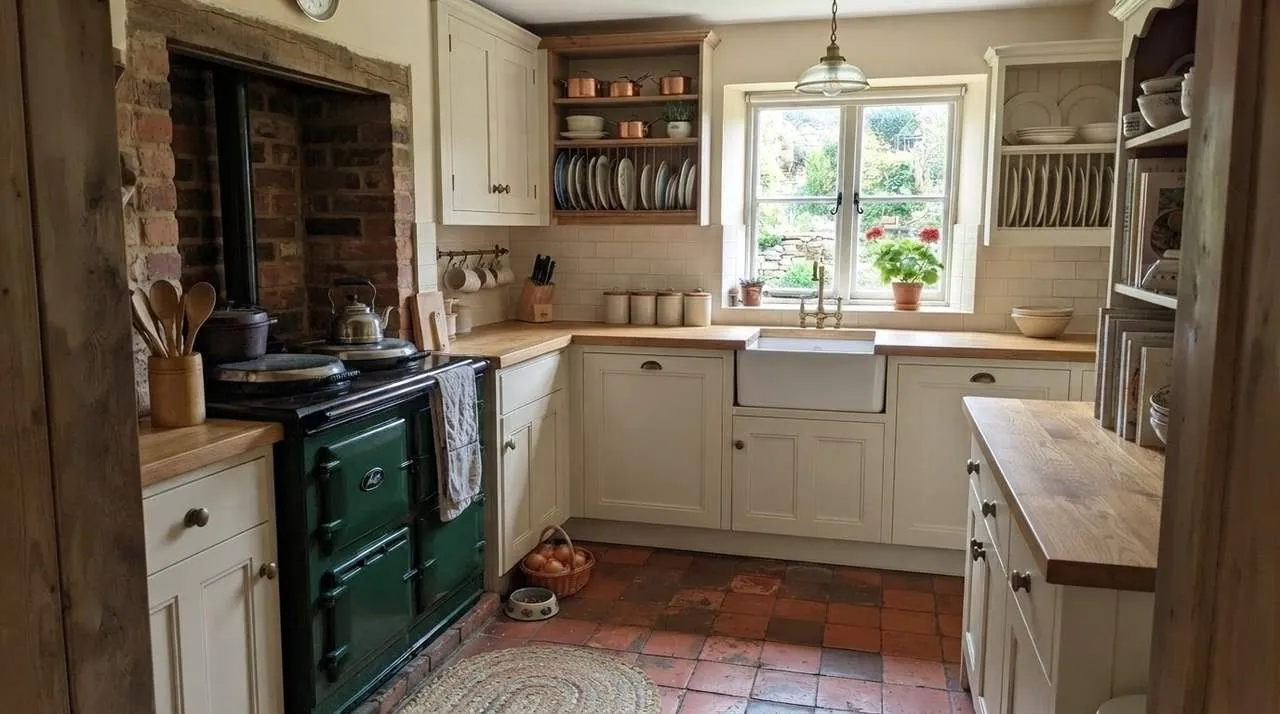 BeforeAfter
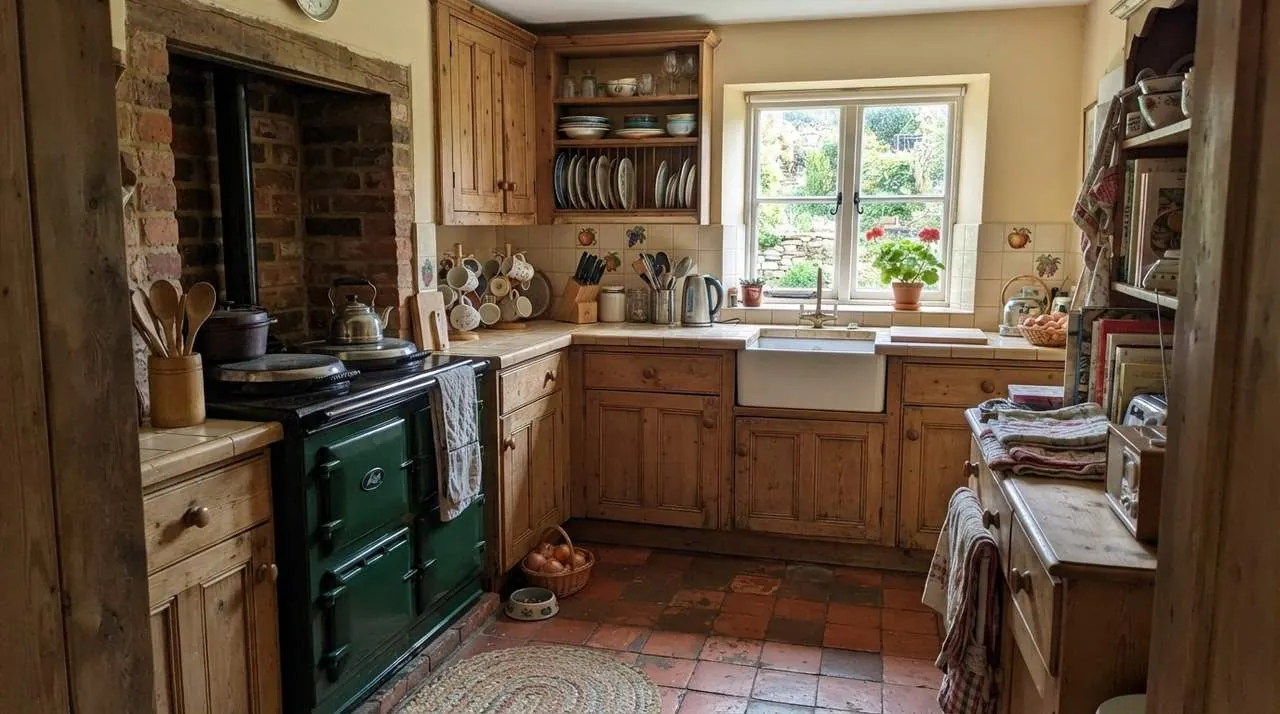
Country kitchen, repainted
Example kitchens are AI-generated; every redesign is an unedited result from InteriorAI.
What you can do
Your kitchen's own layout
The room, its window and the run of the cabinets stay recognizable. Fronts, countertops, backsplash, floor and lighting change.
Compare looks before you order
Shaker or handleless, sage or navy, oak or quartz: run the same photo in several styles and compare.
A picture, not a parts list
This is a visualizer. It shows how a remodel could look; it does not size cabinets or price them.
Works on the kitchen you have
One phone photo, taken as the room is today. No measurements.
Show your contractor what you mean
Download the image and take it to a kitchen showroom or a contractor as a brief.
Questions people ask
How much does AI kitchen design cost?
It is free to try: new accounts get free credits and each redesign uses one. Plans start at $9.99 a week and make every design tool, including this one, unlimited.
Is this a kitchen planner with cabinet sizes?
No. It does not place cabinets to measurements, and it gives no item list, quantities or prices. It shows how your kitchen could look in a new style. For the buildable plan, take the image to a kitchen supplier or contractor.
Is there a separate kitchen tool?
No. Kitchen design uses the interior design tool: you upload the photo, set the room type to Kitchen and choose a style.
Will it move my sink or my stove?
It is built to keep the room and the general layout, and it often keeps large fixtures where they are, but it can change them. Treat the image as a look, and plan plumbing and appliances with your contractor.
Can I just see new cabinet colors?
Yes. Describe the change in your own words, for example the same kitchen with cream painted cabinets, and keep what you like, such as the floor.
What photo of a kitchen works best?
A level photo in daylight from the doorway or a corner, with the countertops fairly clear so the cabinets and the backsplash are visible.
Related tools
See your kitchen remodeled, free
Redesign my kitchen freeFree to try. Plans from $9.99 a week.See plans